Talkwalker Alternatives: Best Options for Social Teams (Benchmarking + Listening)
Looking for Talkwalker alternatives? Here are the best tools to switch to—or pair with Talkwalker—based on what social media managers actually need.


Talkwalker is a social listening and media monitoring platform. It’s built to help brands track what people are saying across social and the wider web, spot trends, monitor sentiment, and catch reputation issues early.
And if that’s your day job—PR crises, narrative shifts, sudden spikes in chatter, “what’s happening in the market?”—Talkwalker can absolutely earn its keep.
But social media managers often need different insights:
- Are we growing faster than Competitor A?
- Did our engagement improve… or did everyone else just post less?
- What content formats are working in our space right now?
- What should we double down on next month?
That’s social media analytics and benchmarking territory. And it’s where Talkwalker can start to feel like the wrong type of solution, not because it’s “bad,” but because it’s listening-first by design.
So if your team’s current reality is: report performance, compare competitors, build benchmarks, show progress, then “Talkwalker alternatives” usually means one of two things:
- You want to replace Talkwalker with another listening tool that’s easier to use, less noisy, or a better value for your needs.
- Or (the more common social-team move) you want to keep Talkwalker for listening but add a companion tool that’s actually built for social analytics and competitor benchmarking.
This article is written for that second scenario, because “we need benchmarking, and Talkwalker isn’t it” is one of the most common reasons social media managers start shopping.
Key takeaways
-
Talkwalker is a strong social listening platform, but it’s not built for social performance competitor analysis and benchmarking, so it can feel misaligned for social media managers.
-
If your day-to-day job is reporting performance + comparing competitors + proving progress, it often makes more sense to add a benchmarking tool than to force a listening tool to do analytics work.
-
Switching from Talkwalker makes the most sense when you don’t need full-scale consumer intelligence and you want actionable insights (what to post next, what’s working, what to fix) rather than a stream of mentions.
-
If you do need listening, you’ll be happiest with tools that reduce noise and make alerts useful; several alternatives are picked largely because onboarding and workflows feel less clunky.
-
Enterprise listening replacements (Meltwater, Brandwatch, Sprinklr) are powerful, but they can be expensive, heavy to onboard, and not always benchmarking-first; they are great for insights, not always ideal for social reporting speed.
-
Tools like Mention, Brand24, and Awario are more accessible for smaller teams that need monitoring + alerts without enterprise complexity, but they won’t satisfy deep benchmarking needs on their own.
-
The best tool depends on the job: listening-heavy = replace Talkwalker, benchmarking-heavy = keep Talkwalker + add a performance analytics tool.
When does it make sense to switch from Talkwalker?
Talkwalker is built for social listening + media monitoring, which means it’s best used for tracking mentions, sentiment, conversations across the web, and turning that into consumer/brand intel. If that’s not what you actually need day-to-day, the tool can start to feel like you’re paying for a spaceship… to commute to the grocery store. (And yes, some users describe the experience as clunky, noisy, and overpriced for what they end up using.)
You don’t need full-scale consumer intelligence
If your weekly reality is: content planning → performance reporting → “what should we post next?”, you’re probably not trying to run a full-on consumer insights lab.
But if you live inside social performance work, you’ll feel the mismatch, especially since Talkwalker’s pricing is quote-based and mostly oriented around listening programs, not social media analytics needs.
You want actionable social media insights, not just mentions
Mentions are useful. They’re also… a bit like confetti. Lots of volume, not always a lot of direction.
If what you really need is:
- what content formats are winning
- which topics drive saves/shares (not just chatter)
- where your engagement rate is trending
- what’s dragging performance down and why,
…then a listening-first workflow can feel like noise. One Reddit user described Talkwalker alerts as “a lot of noise instead of useful insights,” and the overall workflow as “more frustrating than helpful.”
That lines up with what you often see in listening tools: they’re great at finding conversations, but not so great at telling a social media manager what to do next Monday.
Also worth noting: even on G2, you’ll find reviewers calling out the learning curve and wishing the tool were “prettier/more user-friendly.”
You focus on social performance, competitors, or benchmarks
This is probably the main reason users start looking for Talkwalker alternatives, because if you need to track your competitors consistently, and benchmark performance without duct-taping spreadsheets, then Talkwalker can feel like the wrong category of tool. It can absolutely support competitive intelligence in a broader sense, but it’s not purpose-built for the “how do we stack up on social performance?” questions social media managers get hit with.
Consider switching (or adding a dedicated social media analytics companion tool) when your reporting questions sound like:
- “Are we actually beating Competitor A on engagement efficiency?”
- “Which competitor is growing faster on this channel, and what are they doing differently?”
- “Are we improving vs. last quarter… or did everyone else drop too?”
- “What does ‘good’ look like in our industry right now?”
That’s benchmarking land. And if benchmarking is the deliverable you’re judged on, it’s usually smarter to choose a tool that was designed to answer those questions fast, rather than wrestling a listening platform into being something it isn’t.
How I evaluated Talkwalker alternatives (the methodology)
I didn’t evaluate these tools like a procurement team would (meaning price). I evaluated them like a social media manager who has to walk into reporting meetings with answers, especially around competitor performance and benchmarks (the gap Talkwalker doesn’t naturally solve).
So the question wasn’t “Which tool has the most features?” It was: “Which tool will give me the cleanest, most reliable insights, without turning setup, onboarding, and reporting into a second job?”
I used six criteria, and I weighted them differently depending on whether the tool is meant to replace Talkwalker (listening-first tools) or fill the analytics/benchmarking gap next to Talkwalker (benchmarking-first tools).
1) Data coverage (social + web + news):
Not just “does it support sources,” but does it support the sources you’ll actually use, consistently enough to report on. For listening tools, this included broader web/news coverage. For analytics tools, this meant the major social networks a social manager lives in day to day.
2) Listening vs. analytics depth (the core job):
I separated tools into two buckets on purpose:
- Social listening tools: do they reduce noise, handle sentiment/trends well, and make alerts actually useful (not spammy)?
- Social media analytics tools: do they help you understand performance, content, growth, engagement efficiency, and competitive positioning?
3) Competitor analysis + benchmarking ability:
This one got extra weight because it’s the main Talkwalker drawback. I looked for tools that let you benchmark against a hand-picked competitor set, compare across time periods, and answer “are we winning?” without five spreadsheets and a prayer.
4) Historical data access:
Because “last 30 days” rarely answers the question your boss/client is asking. I prioritized tools that can support trend analysis over meaningful time windows and don’t turn history into a pricey upsell surprise.
5) Reporting, exports, and shareability:
If it can’t easily turn into a deck slide or client-ready report, it’s not helping. I looked for sane exports, clear dashboards, and reporting workflows that won’t collapse when someone asks, “Can you break it down by quarter?”
6) Ease of use + onboarding reality:
A tool can be brilliant and still fail the team if it’s too hard to adopt. I paid attention to “how quickly could a new teammate use this without a two-week ramp?”
7) Pricing transparency (and pricing logic):
Not “which is cheapest,” but: is the pricing aligned with what you actually need? Social media managers often don’t need enterprise consumer intelligence pricing if the job is performance reporting + benchmarking.
Finally, I mapped each tool to who it’s best for (social teams, PR, insights teams, SMB vs enterprise) because the “best” tool changes depending on whether your job is listening and reputation or social performance and competitive benchmarking.
So without further ado, here are the tools that made the cut.
Best Talkwalker alternatives at a glance
Socialinsider, the #1 alternative to Talkwalker for social media analytics and competitor benchmarking
Socialinsider is built from the ground up for marketers who need in-depth, actionable social media analytics. Instead of just monitoring the conversation around your brand, Socialinsider delivers the clear performance measurement of social media posts, competitive intelligence, and benchmarking insights that marketing teams rely on to drive strategy and prove ROI.
Comprehensive analytics, not just alerts
As I’ve mentioned previously, Talkwalker users shared on Reddit that they find alerts cause “a lot of noise instead of useful insights.”
Where Talkwalker focuses on brand mentions, sentiment analysis, and media monitoring, Socialinsider prioritizes multi-platform analytics and benchmarking. Users can analyze their own performance—down to post-level trends and long-term engagement patterns—or track any competitor’s public accounts, building a clear picture of strengths, weaknesses, and opportunities.
Why does this matter?
If you’re running multiple social channels, you know having reliable, granular analytics is critical for planning campaigns, justifying budget, and adjusting tactics on the fly. Teams need to benchmark against competitors and industry averages, spot what content actually moves the needle (both in terms of post types and content pillars), and track progress over months or even years—not just react to surface-level sentiment alerts.
Therefore, Socialinsider is a best fit for data-driven teams who:
- Need to benchmark their performance against competitors or industry standards, with side-by-side metrics for engagement, reach, growth, and content mix
- Want to save time on reporting by automating data collection, dashboard creation, and data exports to branded, presentation-ready reports
- Require detailed audience breakouts (by country, demographic, and even engagement pattern) to guide more targeted social strategies
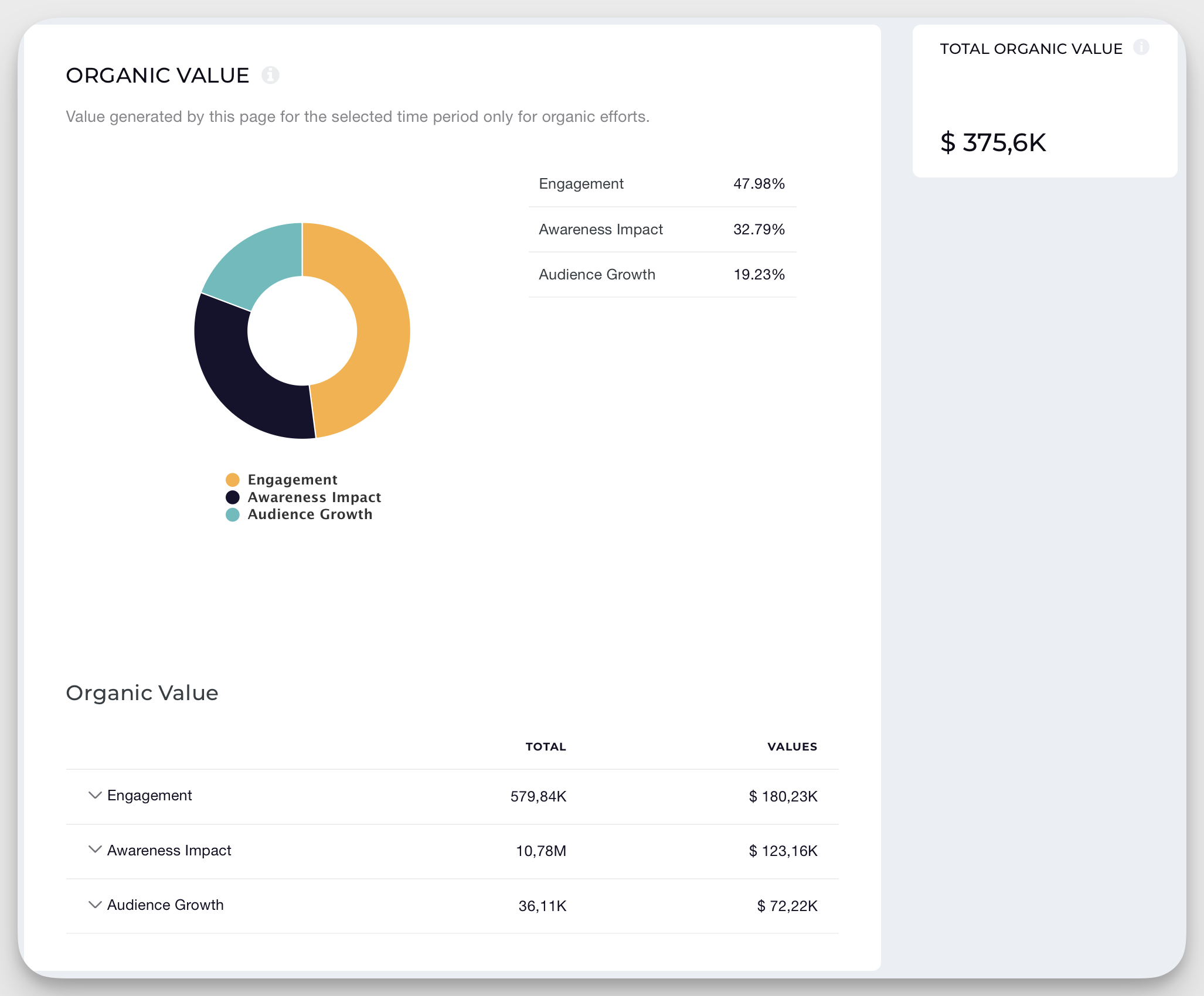
- Must quantify ROI clearly, through features like organic value attribution, which estimates the dollar value of each interaction or result based on paid media benchmarks
- Rely on deep historical data for strategic oversight, annual reviews, or to spot macro trends in their sector.
Key features that make Socialinsider stand out:
- Unified analytics for Instagram, Facebook, LinkedIn, TikTok, Twitter/X, and YouTube, with the option to group multiple accounts under a single brand for consolidated reporting.

- Automated competitor and market benchmarking. Instantly see if your engagement rate, follower growth, or posting frequency is above, below, or at the market median.
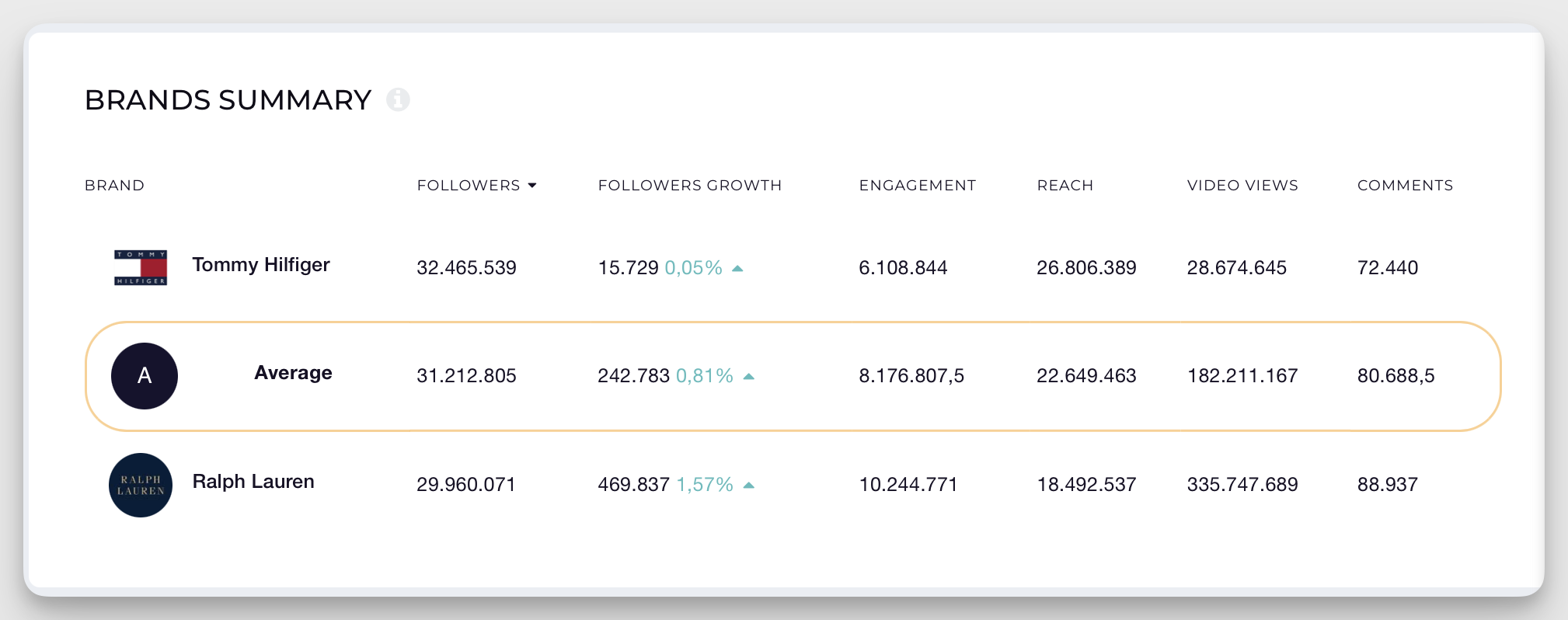
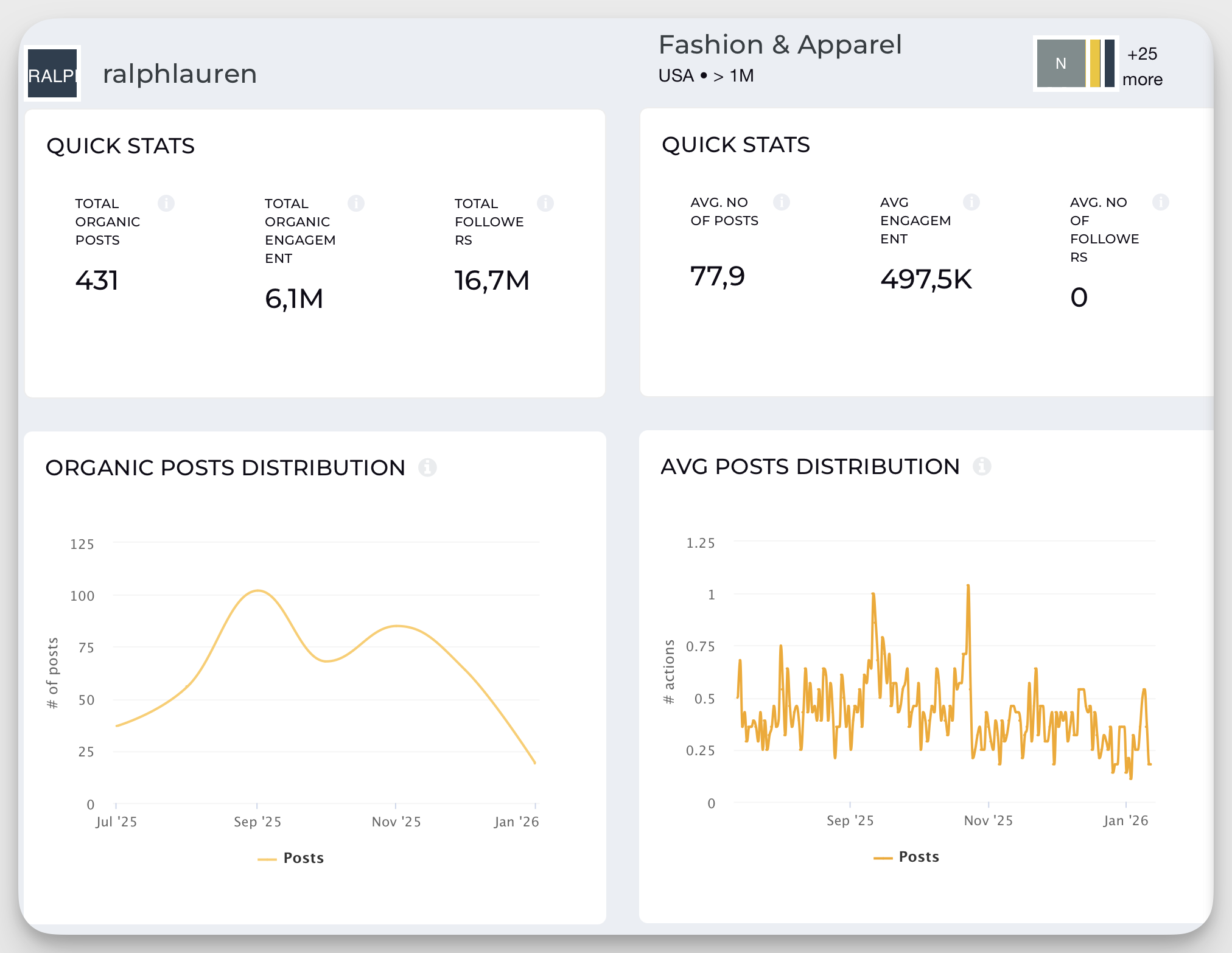
- Industry and country-level benchmarking, so marketing teams can check if a “drop in reach” is platform-wide, or if there’s a top-performing player setting the pace in their region. (if you want to get a feel of this, make sure to check out our Social Media Benchmarks by Industry and Country)
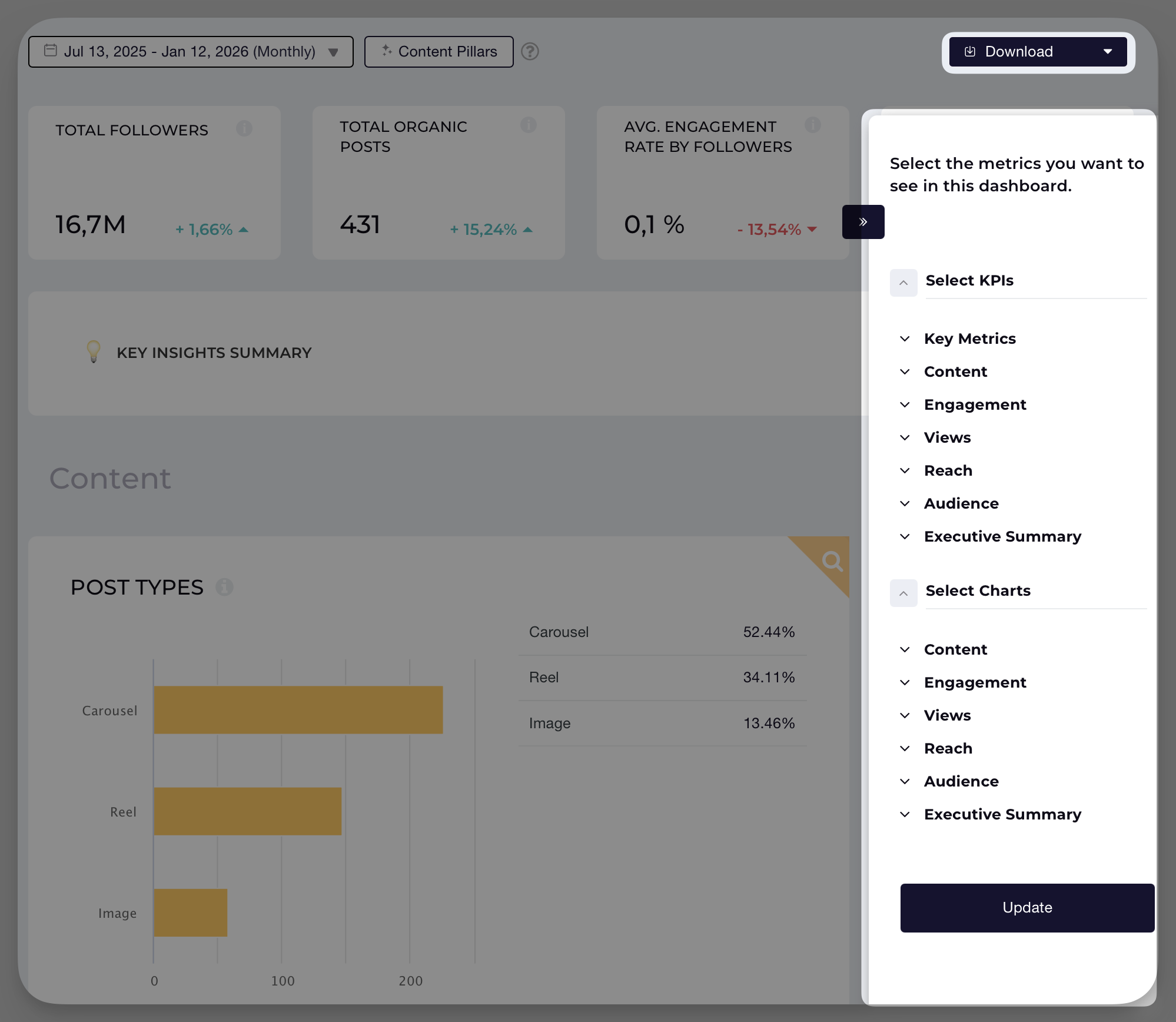
- Customizable reporting templates with white labeling, data segmentation, and stakeholder-ready exports (in PDF, PPT, XLS).
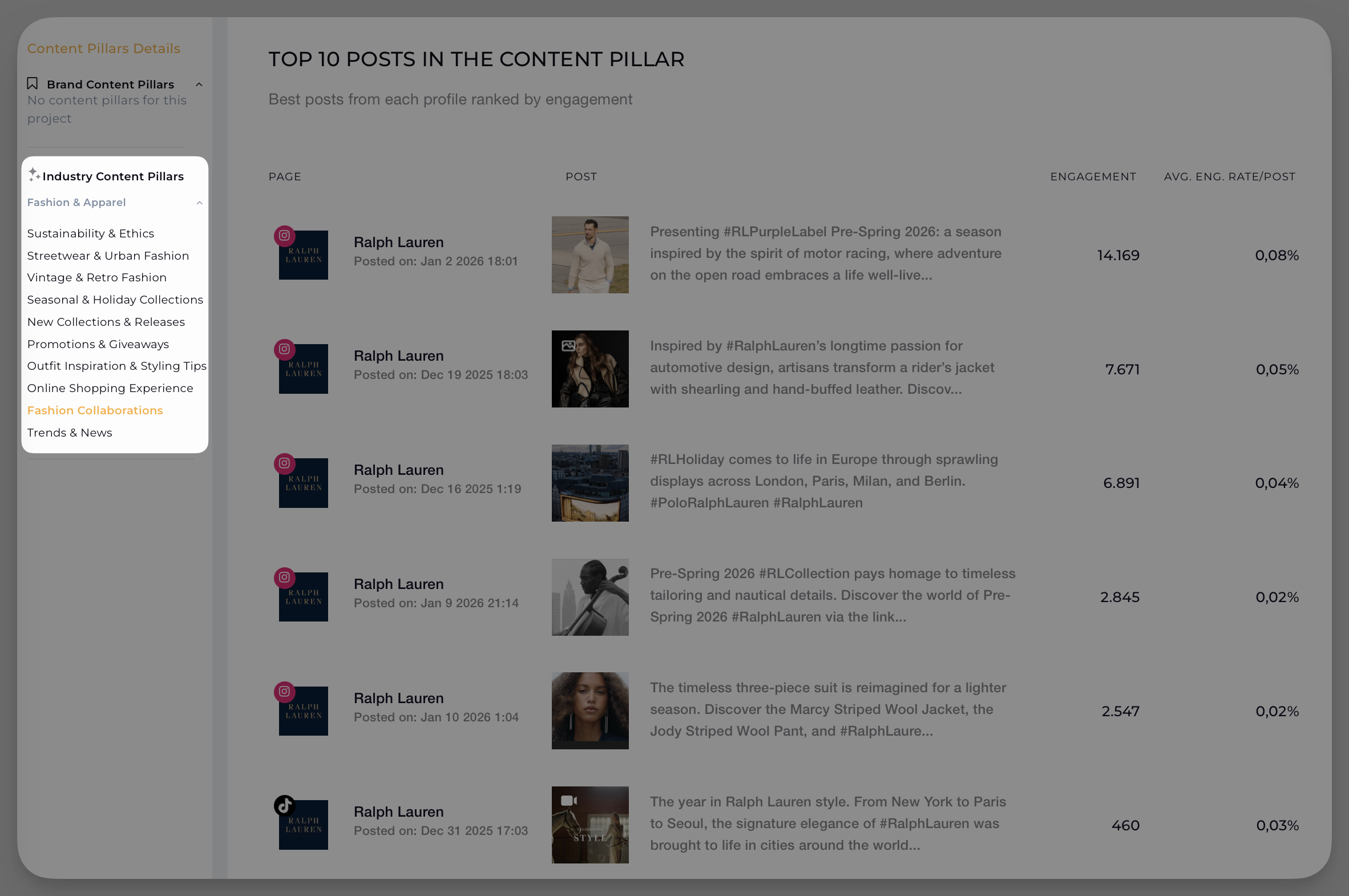
- AI-powered content tagging and content pillar analysis, helping brands audit and optimize their publishing strategy by campaign, theme, or format (don’t worry, you can also manually categorize posts into content pillars using the query builder).
- Extended historic data access and enterprise integrations for large teams or long-term analysis needs (historical data access depends on your subscription plan).
- Dedicated features for ROI modeling, with metrics like organic value showing the paid media equivalent of earned engagement, making “organic impact” easier to explain in business terms.
Limitations
Socialinsider is designed for teams who are ready for advanced, actionable analytics and genuinely need to benchmark, compare, and report at a high level. It’s not the right fit for organizations that only want basic analytics or a pure social listening solution covering the broad web.
Final verdict—when should you consider Socialinsider?
Adding Socialinsider to your martech stack makes the most sense if you need to validate your social strategy with data, or fill analytics and benchmarking gaps that your social listening tool doesn’t provide. Socialinsider is often chosen as a companion to Meltwater or Brandwatch (more on those below).
Best Talkwalker alternatives for enterprise social listening
Meltwater
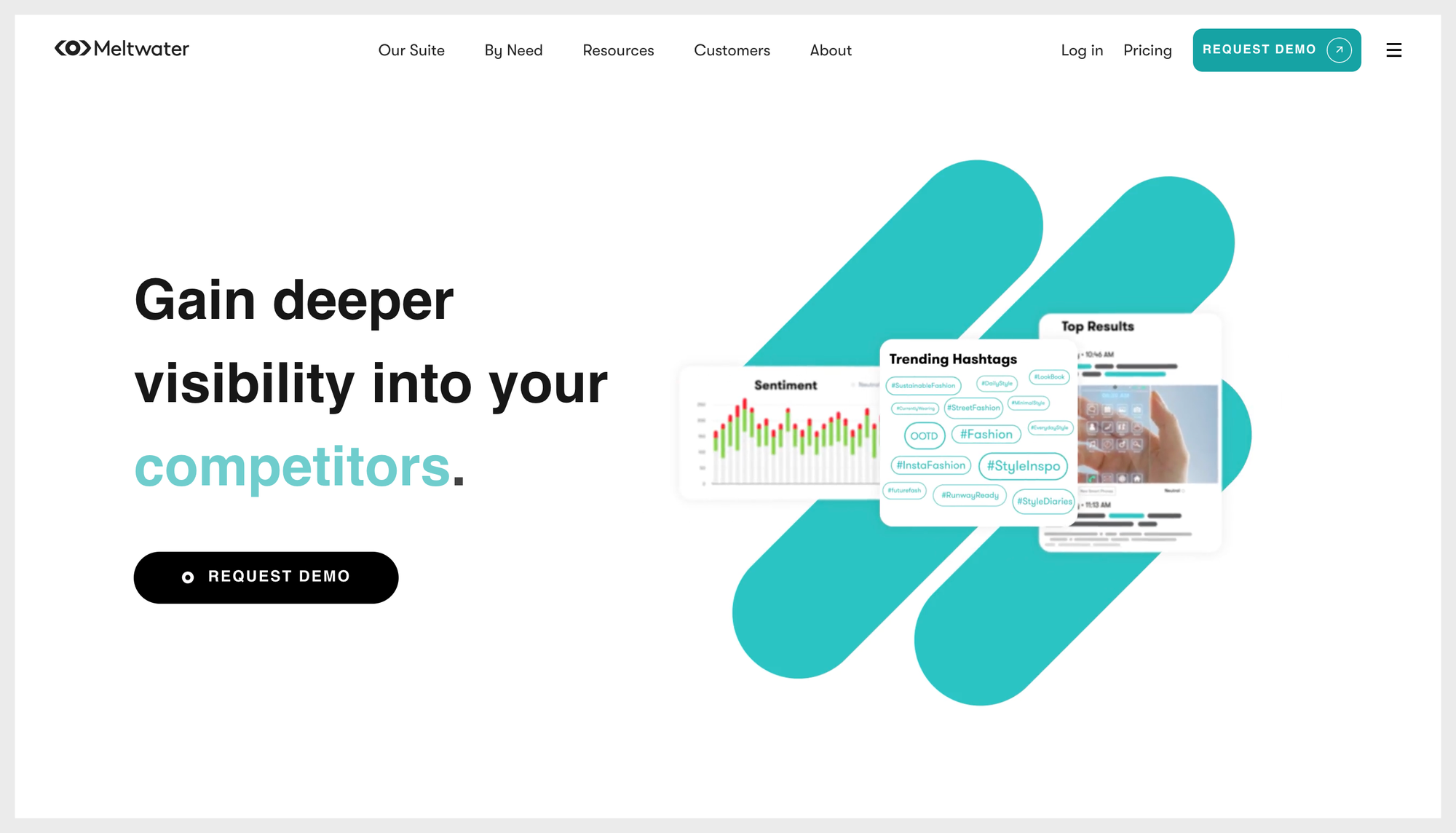
If Talkwalker feels like a powerful engine with a dashboard that slows everyone down, Meltwater is the alternative a lot of teams jump to when they want enterprise-grade listening + PR monitoring, but with a workflow that’s easier to live in.
One Reddit user put it bluntly: after switching from Talkwalker to Meltwater, the “cleaner UI and vastly better noise filtering were a breath of fresh air,” adding that onboarding got easier and “alerts actually useful.”
Where Meltwater tends to win is breadth. It’s not just social, it’s built to track and analyze mentions across online news, social, print, broadcast, and podcasts, which makes it a very natural home for PR reporting.
And if your social team regularly gets pulled into “what’s the media saying?” moments (product launches, exec communication, reputation fires), that wider coverage is genuinely useful.
On the alerting/reporting side, Meltwater leans into making monitoring more actionable: real-time alerts for spikes, customizable dashboards, and shareable reports that don’t require a specialist to set up.
Reviews on G2 and Capterra also repeatedly point to usability as a plus, especially compared to heavier enterprise platforms.
Best for: enterprise PR/communications teams, or social teams that are tightly coupled with PR and need cross-channel monitoring (news + social) in one place.
Limitations for social media analytics teams: Meltwater can still feel like you’re paying for an enterprise listening suite when what you really need is social performance competitor benchmarking (content-level comparisons, consistent cross-platform performance baselines, “are we winning vs competitors?” answers fast). And yes, pricing is typically custom/enterprise, so it’s rarely the “just for the social team” budget-friendly pick.
Brandwatch
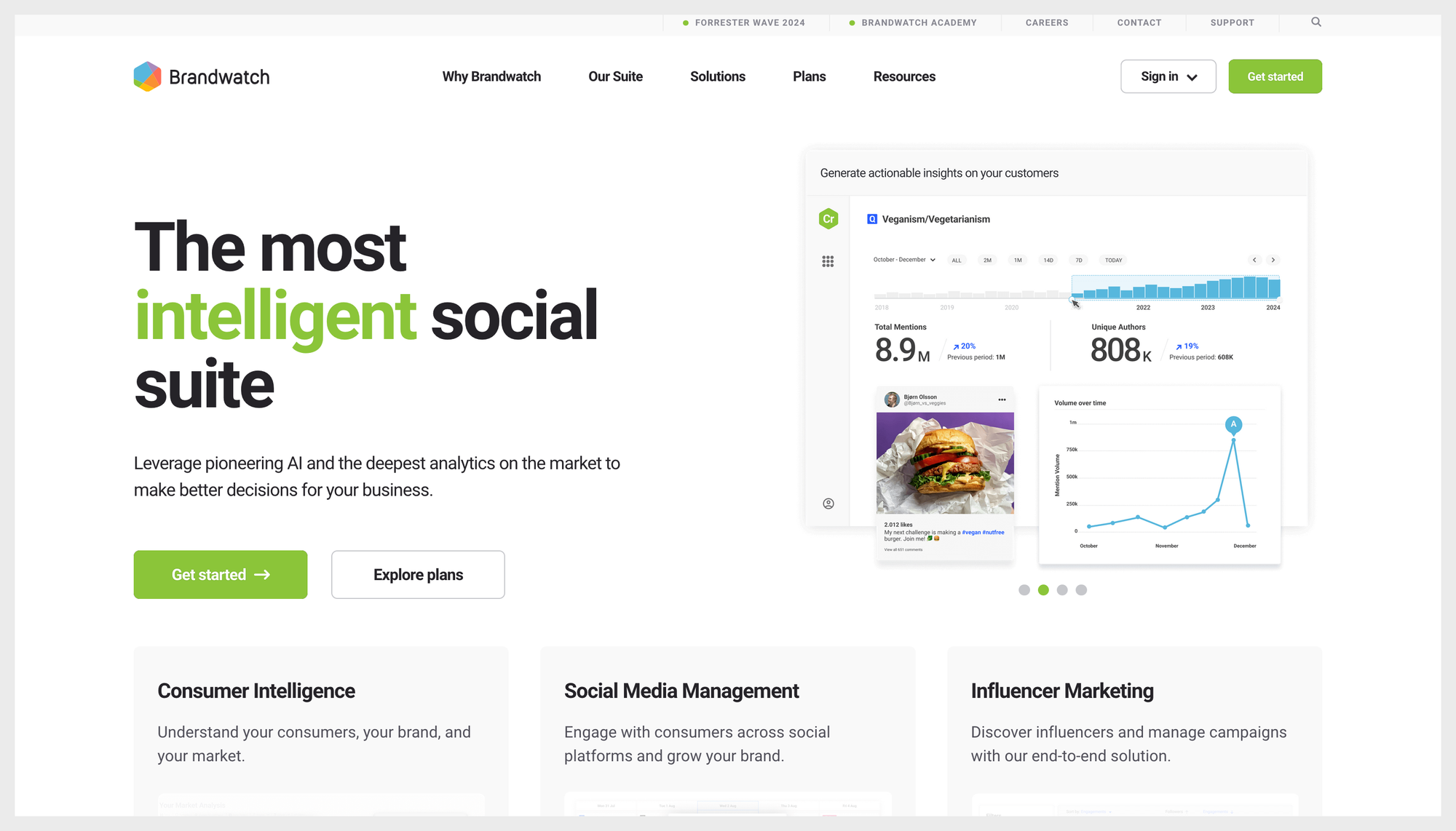
Brandwatch is the “research lab” option in this list. If Talkwalker is built for listening, Brandwatch leans even harder into consumer intelligence—big datasets, deep sentiment analysis, trend spotting, and dashboards you can slice a hundred ways. It’s the tool you pick when you need to understand why conversations are shifting (and what’s driving them), not just whether your last Reel beat a competitor’s.
That’s also why Brandwatch is one of the more common Talkwalker alternatives for enterprise teams. A Reddit user basically summed it up as: switching to Brandwatch won’t magically fix pricing, as these tools tend to live in the same expensive universe, especially once you factor in access to certain data sources (such as X, which is know for having one of the most expensive APIs).
Where Brandwatch really shines is when your listening program is mature enough to benefit from complex queries and heavy customization. But that power comes with a cost: usability and time. On G2, reviewers frequently mention a steep learning curve and needing time to get comfortable with the platform’s advanced features (which is the polite version of “this is not an instant-on tool”).
Capterra reviews often echo the other reality: it’s robust, but expensive—great if you need that depth, overkill if you don’t.
Best for: teams who truly need listening at scale, like PR + insights + brand teams doing narrative analysis, sentiment tracking, and “what’s happening in the market” reporting.
Limitations for social media analytics teams: if your main job is social media performance and competitor analysis (benchmarking engagement, content formats, posting strategy, efficiency, and growth against a hand-picked competitor set), Brandwatch can feel like bringing a microscope to a sprint planning meeting. Powerful, yes. Fast and focused for benchmarking? Not always.
Sprinklr
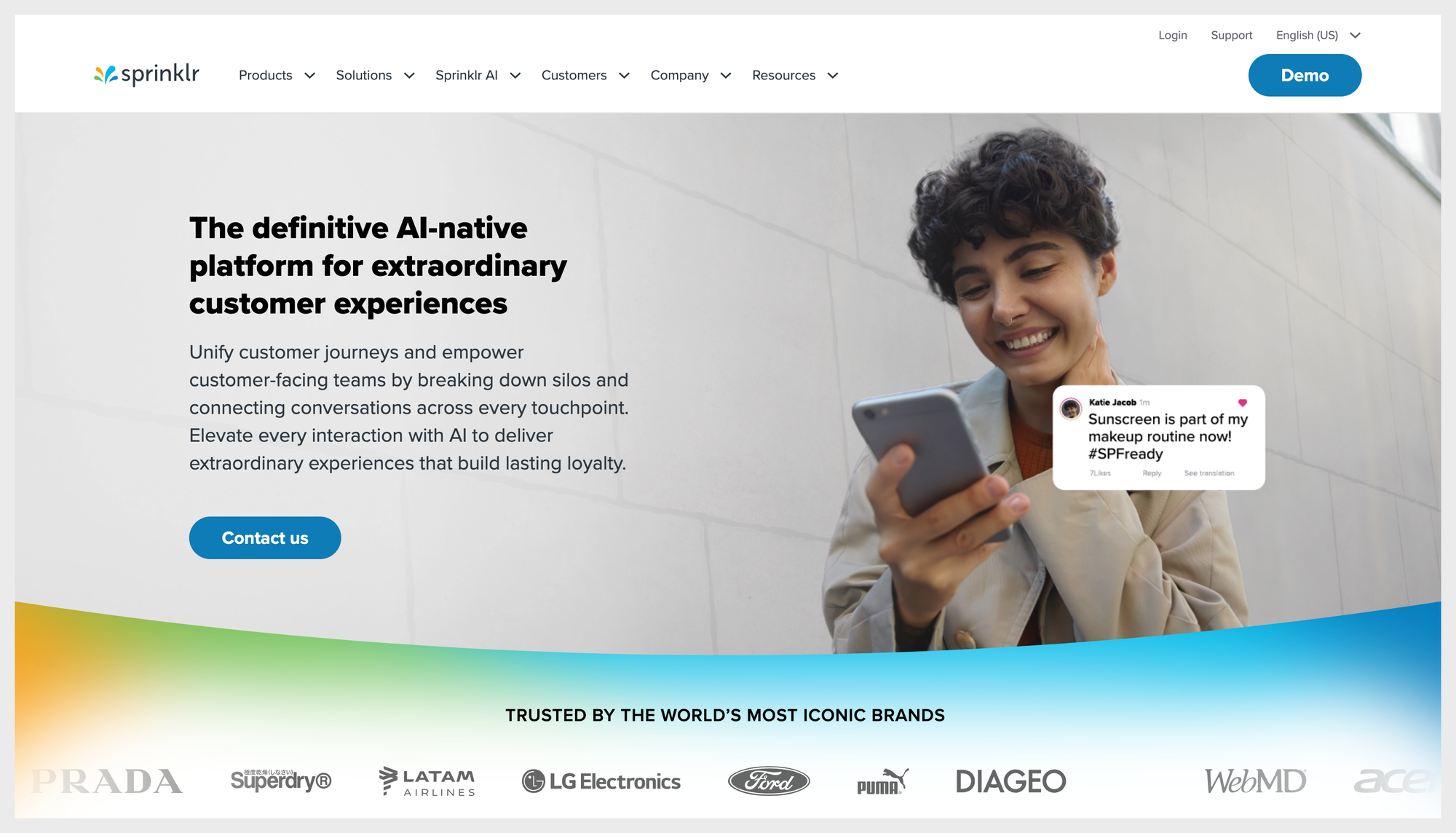
Sprinklr is what you look at when you’re done playing tool-Tetris.
It’s not just “a listening tool”, it’s an enterprise social + CX platform that bundles publishing, engagement, listening, reporting/analytics, and workflow into one big system designed for large organizations managing a lot of channels, teams, and approvals. Sprinklr positions its Social product as a unified way to manage “every aspect” of social media, and it also offers enterprise-grade social listening as part of its broader consumer intelligence/CXM stack.
If Talkwalker feels limiting because you need a more integrated “do the work, not just monitor the chatter” setup, Sprinklr can be a legit replacement, especially when you want listening and execution living in the same place (so insights can actually turn into actions without hopping tools). The trade-off is: you’re stepping into power-user territory.
However, here’s one fact that will make you choke on your coffee: for competitive benchmarking, Sprinklr can still leave you hanging. Shocking, I know, especially for the price, but Sprinklr lacks a competitor benchmarking functionality.
And it gets worse—Sprinklr also doesn’t support non-owned TikTok data, which is a dealbreaker if your competitor set lives there. Add to that the licensing reality (licenses for team members are expensive) and suddenly benchmarking becomes a bottleneck: the people who need the numbers can’t always get in.
And users do call out the general “enterprise heaviness” in public reviews too. On G2, reviewers mention the platform can feel complex and the learning curve is steep.
Best for: large enterprises that want an all-in-one system for social publishing + engagement + listening, with strong governance, workflows, and cross-team collaboration baked in.
Limitations for social media analytics teams: if your core job is social performance competitor analysis and benchmarking, Sprinklr can be a lot—more platform than you need, more setup than you want, and a steeper onboarding climb for teams who just want fast, clean benchmarking outputs.
Sprout Social
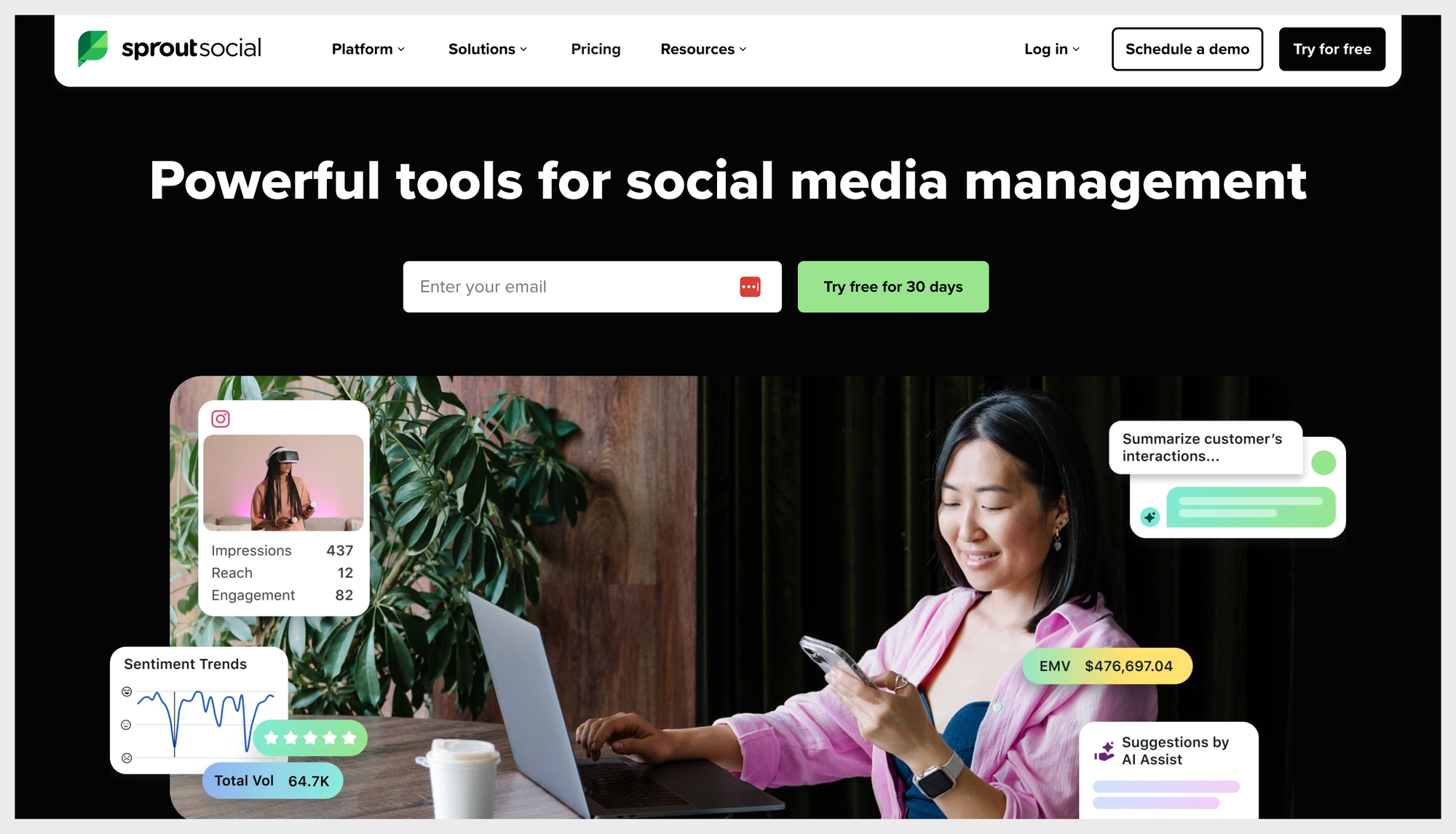
Sprout Social is the “doer” in this list. It’s a social media management platform first (publishing, engagement, inbox, reporting), with social listening layered in, so you’re not just monitoring conversations, you can actually act on what you find without bouncing between tools.
For teams moving away from Talkwalker, Sprout becomes interesting when the real pain isn’t “we can’t find mentions,” but “we need something our social team can use daily without needing a resident wizard.” Sprout leans hard into workflows and reporting that feel designed for social media managers, not analysts building complex queries all day. And it does have competitive features: Sprout’s competitive analysis/reporting is built around benchmarking performance metrics against competitor profiles (so you’re not stuck with vague share-of-voice screenshots when you need actual performance context).
Where it gets a little spicy is pricing and packaging. Sprout’s core plans publicly start at $199 per seat/month (billed annually), which is already a “this better be worth it” line item for some teams. And social listening is often treated like a more premium layer. One Reddit commenter put it bluntly: Sprout’s listening add-on is “insanely expensive (like $1k per month at least).”
Reviews echo a similar theme: people like the feature set, but cost and “what’s included where” can feel… annoying. For example, a Capterra reviewer describes Sprout as “very expensive” and mentions (key) features being behind paywalls.
Best for: social media teams (including enterprise teams) that want an all-in-one platform for publishing + engagement + reporting, and want listening in the same ecosystem, especially when usability and day-to-day workflow matter as much as depth.
Limitations for social media analytics teams: if your main job is deep, research-grade consumer intelligence, Sprout may feel less “insights lab” than tools like Brandwatch. And if you only want listening (or you need listening at serious scale), pricing—especially for listening add-ons—can become the dealbreaker fast.
Pulsar
Pulsar is the option you reach for when “listening” isn’t enough and you’re trying to understand how a conversation spreads, who’s driving it, and which audience clusters are actually shaping the narrative. Their positioning is very audience-intelligence-forward (not just brand monitoring), and the product lineup (like Pulsar TRAC) leans into segmentation, narrative analysis, and trend mapping. So if Talkwalker feels like it’s giving you a firehose of mentions, Pulsar tries to give you structure: topic clustering, “narratives” that evolve over time, and ways to map communities and conversation dynamics.
In practice, that can be gold for campaign planning (“what are people actually latching onto?”) and for strategy teams who need to explain why something is resonating.
Users also consistently call out the experience/design. On G2, one reviewer says Pulsar “looks good” and that the insights are easy to understand, something social listening tools don’t always get right.
On Reddit, you’ll find people describing it as “more advanced” for audience intelligence, specifically mentioning network mapping/cluster-style analysis, with the caveat that it can be overkill for basic monitoring.
Coverage-wise, Pulsar positions itself as pulling from a wide mix of public sources (social + web + news) and even lists platforms like TikTok/Instagram among sources in public procurement documentation, so it’s built for “bigger than just owned social pages” monitoring. Pricing is typically quote-based, but you can find references to starter-style packages in some comparisons (for example, a “starter package” listed at $1,200 in one TrustRadius comparison page), which should still be treated as directional rather than universal.
Best for: research, insights, and strategy teams (or very data-curious social leads) who want to understand audience segments and narrative shifts, not just track mentions and sentiment.
Limitations for social media analytics teams: if your day-to-day job is social performance competitor benchmarking (content performance, engagement efficiency, cross-platform comparisons, fast reporting), Pulsar can feel like a brainy research tool you don’t fully use. It may also require more setup/skill to get the most out of (queries, analysis views), which isn’t ideal when you need answers quickly, especially compared to tools built specifically for social analytics dashboards.
YouScan
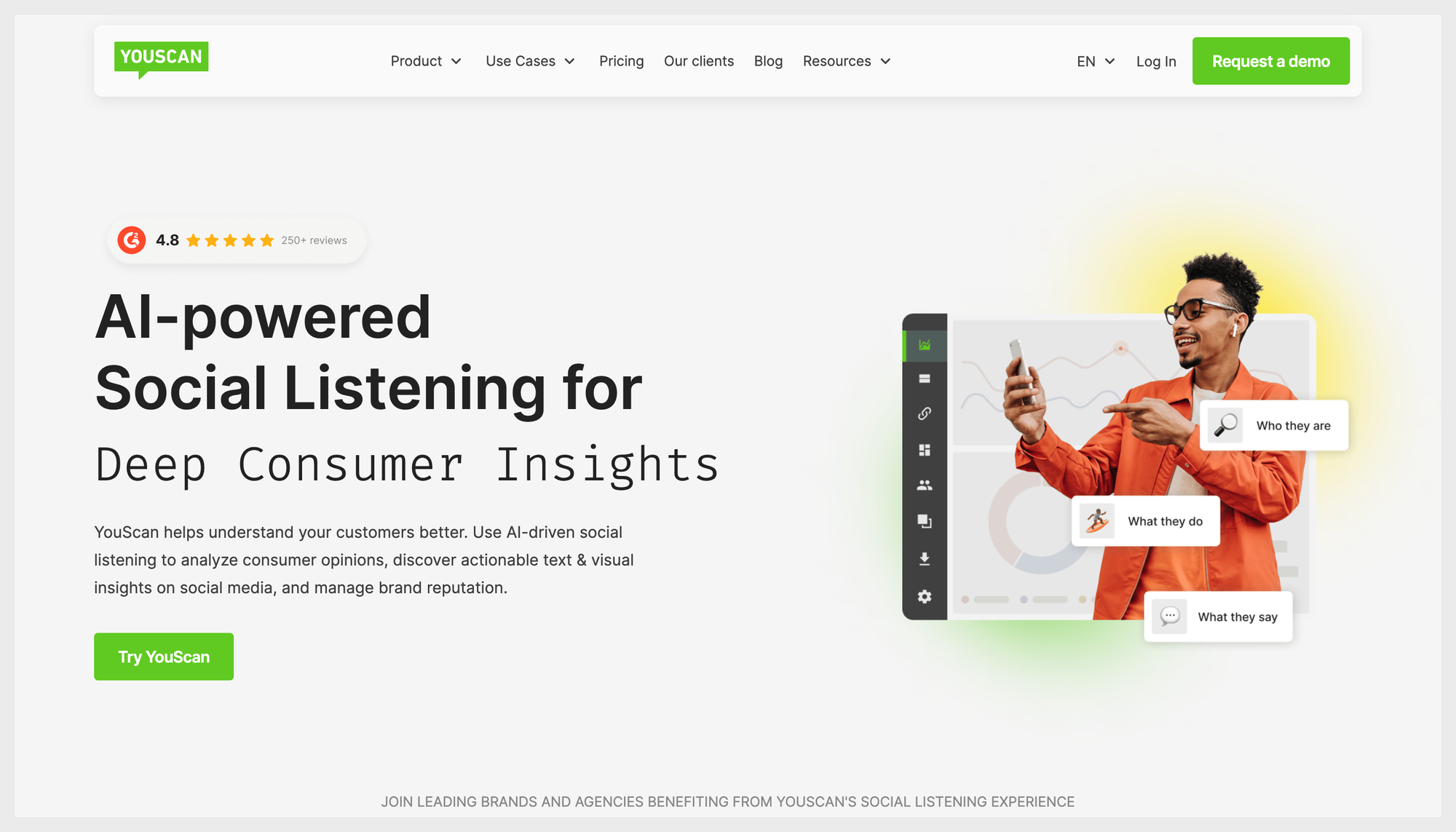
YouScan is the tool you pick when you’ve realized something slightly terrifying: a huge chunk of brand conversation is visual. People don’t just say things about you, they post logos in selfies, screenshots of your app, product shots, memes, “haul” videos, storefront pics, unboxings… and most listening tools treat that as invisible.
YouScan doesn’t. Its whole differentiator is AI-powered text + image analysis (“Visual Insights”) that can identify things like logos/objects/scenes in images and help you understand how your brand shows up visually online.
If your brand gets talked about in visuals more than in clean, keyword-heavy captions, this is a real advantage, not a gimmick.
It also plays nicely in the “enterprise listening” category: broad monitoring, sentiment, trend detection, and it’s positioned for brand health and reputation management, not just inbox-level social management.
And unlike some big-suite tools that feel like you need a certification to click around, YouScan gets praised publicly for usability. On Capterra, one reviewer describes it as “cheap and easy to use.”
On G2, YouScan is consistently rated highly, and reviewers often highlight breadth of sources and general usability.
Best for: brands that care about visual sentiment + context, especially consumer brands where images and memes carry the message (food & beverage, fashion, beauty, retail). Also a strong fit for insights teams doing brand health tracking when “mentions” alone don’t tell the story.
Limitations for social media analytics teams: if your job is social performance competitor benchmarking (post-level performance, engagement efficiency, growth comparisons across a hand-picked competitor set), YouScan is still a listening-first platform. It can make you smarter about reputation and conversation dynamics, but it won’t replace a dedicated social media analytics + benchmarking tool (like Socialinsider) when the deliverable is “how are we performing vs competitors on social?”, not “how is the internet talking about us?”
Best Talkwalker alternatives for SMBs
Mention
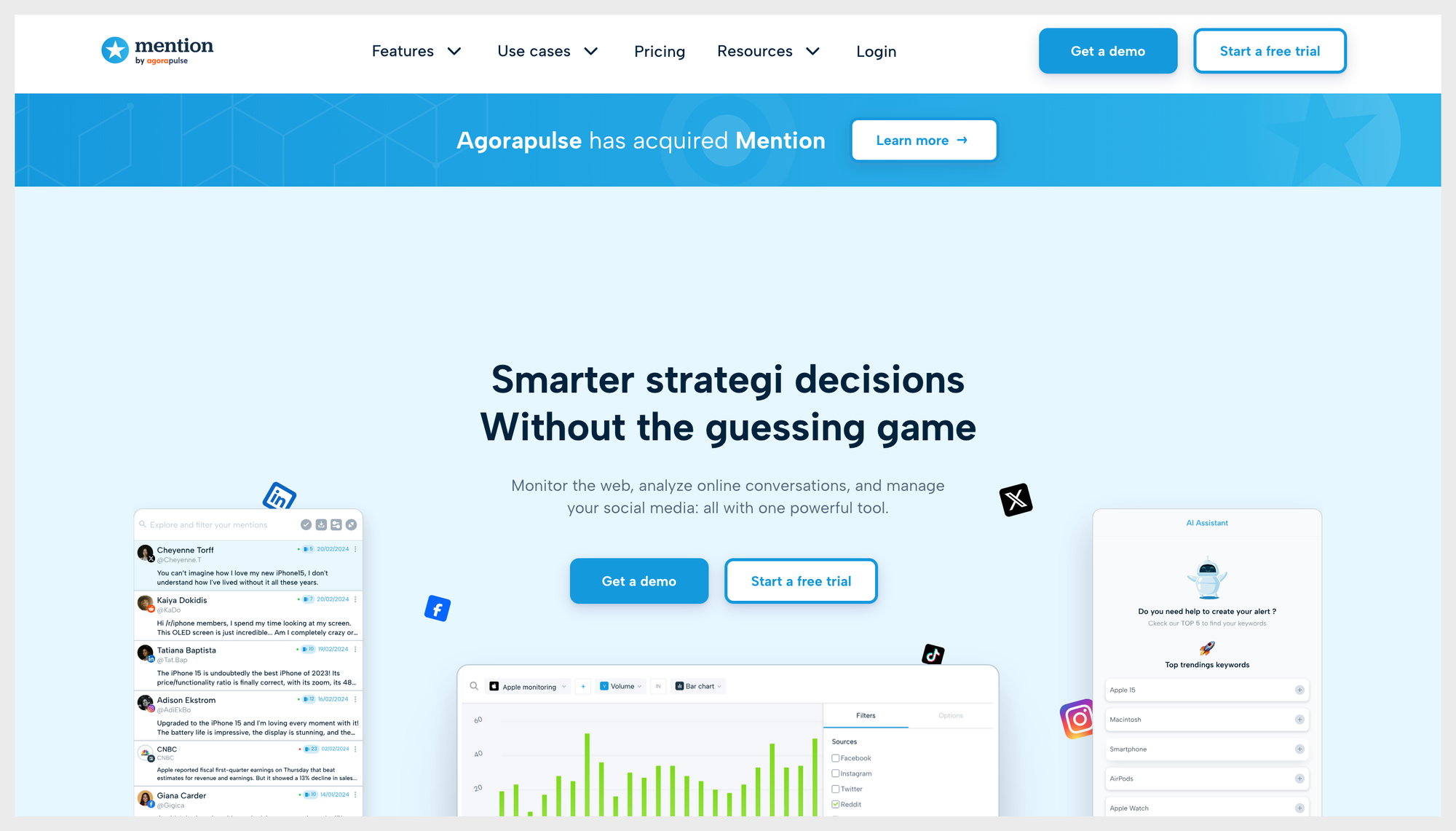
Mention is the “get me set up fast and don’t make me hate my life” option.
It’s built for brand monitoring + social listening without the enterprise ceremony: track mentions across social and the wider web (press, blogs, forums, review sites), set up alerts, and pull straightforward reports when someone asks, “So… are people talking about us?”
For teams looking for more budget-friendly Talkwalker alternatives, Mention usually shows up when the goal is to keep listening capabilities, but ditch the heavyweight feel. It’s positioned for SMBs and lean teams (and it shows in how quickly you can get something working). Pricing is also relatively transparent compared to enterprise tools—Mention lists a starting price of $599.
That said, “simpler than Talkwalker” doesn’t mean “always simple.” One Capterra reviewer described the dashboard as “an airline cockpit—that level of complicated,” which is honestly a very specific kind of pain. On the flip side, G2 reviewers often highlight usability and customer support as strong points, so the experience can depend a lot on how complex your monitoring setup is (and how much you try to make the tool do).
The biggest thing to know (especially as a social media manager): Mention is still listening-first. It’s great for monitoring and basic reporting, but it’s not the tool to go to for deep social media analytics + competitor benchmarking, the kind where you can quickly answer “who’s outperforming us on engagement efficiency and what are they doing differently?” If that’s your core job, you’ll likely treat Mention as the listening layer, not the performance analytics brain.
Best for: startups, SMBs, and lean marketing teams who want affordable, faster-to-deploy brand monitoring (web + social) with alerts and simple reporting, without committing to an enterprise suite.
Limitations for social media analytics teams: Mention won’t replace a dedicated tool for social media analytics and benchmarking (like Socialinsider). You’ll get monitoring and conversation signals, but not the kind of cross-platform, performance-first competitive insights most social teams need for monthly reporting and strategy tweaks.
Brand24
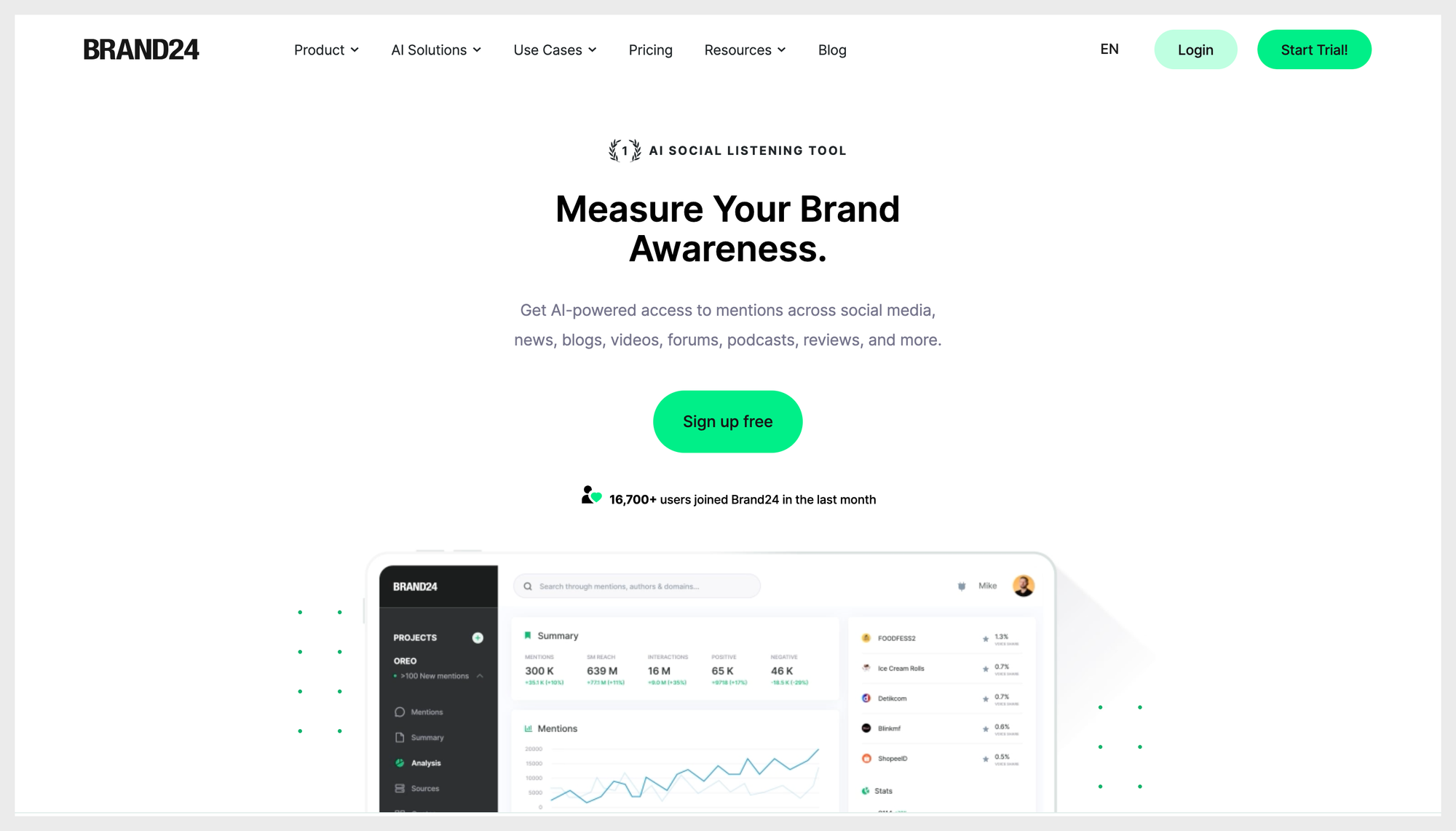
Brand24 is the “lighter, faster listening tool” that a lot of teams land on when Talkwalker feels like too much platform for the day-to-day job.
It focuses on real-time brand monitoring across a wide set of sources (social, news, blogs, forums, videos, podcasts, reviews, and more), with filters and alerts that are meant to be usable without a whole onboarding saga.
If your main need is “tell me when we’re being talked about, show me the patterns, and help me report it,” Brand24 is pretty direct about that promise.
The other reason it gets picked: pricing is public and comparatively straightforward. Brand24’s pricing page shows plans starting at $149/month (billed annually) for the Individual tier (or $199 month-to-month).
That transparency alone can feel refreshing if you’re coming from an enterprise listening tool world where “pricing” means “book a call.”
On the usability front, public reviews line up with the “less clunky” expectation. On G2, reviewers frequently praise the clean dashboard, ease of use, and alerts. One G2 reviewer describes getting “snapshots… without drowning me in noise.”
Capterra reviews also lean positive on reporting and value, with some users noting that the more advanced features take a bit of learning.
Best for: small-to-mid-sized teams (or lean social/marketing teams inside bigger companies) that want cost-effective listening + reputation monitoring with quick setup, clear alerts, and reporting across social + web sources.
Limitations for social media analytics teams: Brand24 is still a listening-first tool. If your real deliverable is social performance competitor analysis and benchmarking (how your posts perform vs specific competitors, engagement efficiency, cross-platform benchmarks), you’ll likely outgrow it, or pair it with a dedicated social media analytics and benchmarking platform (like Socialinsider), because it’s built to answer “what’s being said?” more than “are we outperforming them?”
Awario
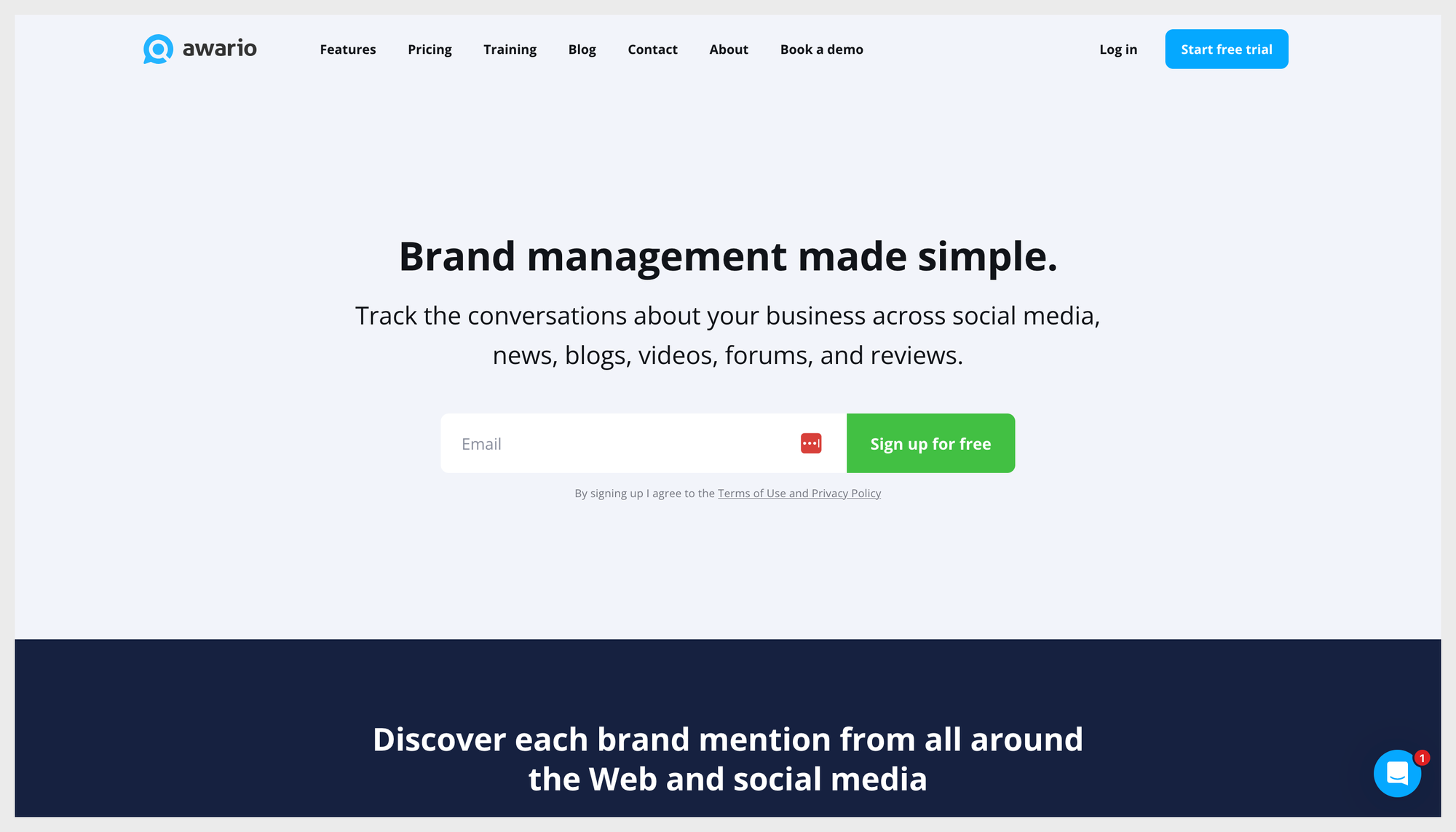
Awario is the scrappy, flexible option for teams who want listening without the enterprise bloat, and who actually care about controlling the quality of what they collect.
At its core, Awario is a brand monitoring tool that tracks mentions across the web and social, with features like sentiment analysis, influencer discovery, and a “Leads” use case (finding people asking for recommendations or complaining about competitors).
The part social media managers tend to appreciate most is the query control: Awario supports Boolean search, which means you can clean up messy mention streams (“Apple” the fruit vs Apple the company, anyone?) instead of drowning in irrelevant noise. Capterra reviews explicitly call Boolean search out as a useful way to “neglect unwanted mentions.” Pricing is also one of the reasons it ends up on “Talkwalker alternatives” shortlists. Awario plans start at $39/month (with higher tiers for more volume and features).
It’s not “cheap” if you scale it up, but it’s a completely different universe than enterprise listening contracts, especially for lean teams or agencies that need multiple projects.
Usability-wise, reviewers tend to describe it as straightforward. G2’s pros/cons summary highlights ease of use, a simple UI, and supportive customer service.
And Capterra reviewers often talk about using it daily once alerts are set up properly, because it becomes a practical monitoring routine, not a once-a-quarter “insights project.” The main thing to be aware of is the trade-off you’re choosing: Awario’s strength is monitoring + filtering + surfacing signals, not building deep social performance narratives. Also, like many SMB-friendly tools, feature expectations can vary by tier—one Capterra reviewer complains about upgrading for exports and not getting what they expected, and mentions a no-refunds policy.
Best for: agencies and small-to-mid-sized brands that want affordable, flexible listening with strong query control (Boolean), solid web coverage, and a practical workflow for monitoring competitors and finding opportunities.
Limitations for social media analytics teams: Awario won’t replace a dedicated tool for social media performance, competitor analysis, and benchmarking (like Socialinsider). It helps you understand what’s being said (and by whom), but if your deliverable is “how are we performing vs these competitors across platforms and formats,” you’ll still need a benchmarking-first social media analytics tool alongside it.
Final thoughts
Choosing a Talkwalker alternative gets way easier when you stop asking “Which tool is best?” and start asking “What job are we hiring it for?”
Because honestly: if you need listening at scale, you’re not shopping in the same aisle as someone who needs competitor benchmarking.
Here’s the decision guide, so you can pick without spiraling.
If you’re a social media manager
If your core deliverable is social performance reporting + competitor analysis + benchmarks, Talkwalker is rarely the cleanest answer on its own.
- Keep Talkwalker only if you truly use listening outputs (reputation monitoring, crises, brand conversation insights).
- Add a dedicated social analytics + benchmarking tool if you need to answer “how are we performing vs them?” with confidence.
- Replace Talkwalker with an all-in-one tool only if you also need publishing/engagement workflows and want everything in one place (and you’re okay with the price trade-offs).
If you’re in a broader marketing team
Marketing teams usually sit in the middle: you need both sides—conversation + performance.
If your biggest pain is noisy alerts and clunky workflows, replacing Talkwalker with another listening platform can be a win. If your biggest pain is “we can’t benchmark competitors properly,” you’ll get more mileage by adding a benchmarking tool than by swapping listening platforms and hoping it magically becomes an analytics suite.
If you’re a PR & communications specialist
Talkwalker still makes sense when your job is brand reputation, crisis monitoring, media coverage, and sentiment/trend tracking.
Switching is a clear win if the workflow is slowing you down (alerts, onboarding, noise) and you need a listening tool that your team actually uses consistently.
If you’re an enterprise insights team
If you need research-grade consumer intelligence, you’ll likely stay in the enterprise listening category, but you’ll still want to be honest about whether your social team also needs a separate benchmarking layer. One tool rarely does both jobs perfectly.
Final verdict: should you replace Talkwalker?
Talkwalker still makes sense when listening is central to your work and you’re acting on those insights regularly. Switching is a clear win when your team is paying for listening horsepower but mainly needs performance analytics, competitor benchmarking, and reporting speed (or when adoption is suffering because the workflow feels clunky and noisy).
FAQs about Talkwalker alternatives
Which social media platforms does Socialinsider support?
Socialinsider supports analytics for major social media platforms, including Facebook, Instagram, Twitter (X), LinkedIn, YouTube, and TikTok. Platform support covers both page/profile and post analytics, with varying levels of data available depending on each platform’s API.
Can you track both brands and influencers, and to what level of detail?
Socialinsider can track any public business account across supported platforms. For owned and competitor brand profiles, you can access detailed analytics such as engagement, reach, impressions, audience growth, content performance, and content pillars. Depth of detail varies based on public versus authenticated account status and platform API allowances.
How far back does your data go for each platform? Can I access more than 12 months of historical data if needed?
Socialinsider can provide historical data for both owned and competitor accounts for up to 12 months (or sometimes more), depending on each platform’s API limitations and your subscription plan.
How is engagement calculated for each platform? What metrics are included in your engagement formulas?
Engagement is calculated as the sum of core interactions specific to each platform. Generally, Socialinsider uses this formula:Engagement = likes + comments + shares (or equivalents)For example:
- Facebook: likes + comments + shares
- Instagram: likes + comments
- Twitter (X): likes + replies + retweets
- LinkedIn: reactions + comments + shares
Engagement rate is calculated as total engagement divided by followers, impressions, or reach depending on the context. Platform-specific nuances are taken into account, but these core metrics form the basis of engagement calculations.
Can I see both paid and organic engagement, or only organic?
Socialinsider focuses on organic performance. One exception, however, is the performance of boosted posts on Facebook. Performance for ad campaigns is not available in Socialinsider at this time.
For Instagram business accounts, the Instagram API only allows retrieving data for organic posts, so this distinction is not possible at the moment.
How fresh is the data? How often is it updated?
Socialinsider data is updated regularly, with most platforms refreshing insights several times daily. Data for owned (authenticated) profiles is typically updated in near real-time or within a few hours, depending on platform API limits. Competitor profiles and public data may refresh less frequently but are kept current to ensure reliable benchmarking and monitoring.
Can I build custom benchmarks and compare specific brands or competitors?
Yes, Socialinsider allows you to build custom benchmarks by selecting specific brands or competitor profiles to compare. You can analyze metrics such as engagement, reach, follower growth, content performance, and more. Benchmarking can be done across multiple profiles within your dashboard, supporting direct side-by-side analysis tailored to your needs.
Is it possible to visualize and compare content pillars or themes across multiple brands in one chart?
Yes, Socialinsider enables you to visualize and compare content pillars or themes across multiple brands within a single chart. The platform automatically categorizes posts by topic (pillar/theme), allowing you to analyze engagement, frequency, and performance by pillar for both your brand and competitor profiles side by side.
Can I analyze industry trends or benchmark by country, region, or market segment?
You can analyze industry trends and benchmark social performance by country and industry within Socialinsider. Filtering and comparisons by region are not available at this time. Market segments can be assessed to the extent that they align with available industry and country categorizations.
Can I customize dashboards and reports for different clients or projects?
Yes, Socialinsider offers customization for dashboards and reports to suit different clients or projects. You can tailor views, select specific metrics, and include relevant profiles or brands. Custom-branded, client-ready reports can also be scheduled or exported as needed.
How flexible is the system in defining industries, content pillars, and reporting views?
Socialinsider provides flexibility in customizing reporting views and content pillars. You can create custom dashboards, select the metrics and profiles displayed, and define your own content pillars or themes for analysis. Industry categories are predefined but can be used to filter and compare accounts; full custom industry taxonomy is not available. Reporting views can be tailored to suit different client, brand, or project needs.
Can I export data and visualizations for use in presentations or client reports? In which formats?
Yes, Socialinsider allows you to export data and visualizations for use in presentations or client reports. Export options commonly include PDF, PPT, and XLS formats, making it easy to share performance insights and charts externally with stakeholders or clients.
Elena Cucu
Content & SEO Manager @ Socialinsider with 8 years of experience in marketing. I like to describe myself as a social butterfly with a curious mind, passionate about dancing and psychology.

Analyze your competitors in seconds
Track & analyze your competitors and get top social media metrics and more!
You might also like


Improve your social media strategy with Socialinsider!
Use in-depth data to measure your social accounts’ performance, analyze competitors, and gain insights to improve your strategy.