Check any YouTube channel's analytics for free
See engagement rate, views, likes, comments, and top videos for any public YouTube channel, based on the last 30 days.

HBO
NaN Followers


The Engagement Rate per Post (by subscribers) is the sum of likes and comments divided by the number of posts in the last 30 days, then divided by the number of subscribers. This result is multiplied by 100 to show the percentage.
Average Likes represents the total number of likes divided by the number of posts published in the last 30 days.
Average Comments represents the total number of comments divided by the number of posts published in the last 30 days.
Enter a YouTube handle to instantly see key metrics and analytics for that account.
Top Performing Posts
HBO 

 HBO
HBO  HBO
HBO 
Analysis

Content
Average Posts/ Day: The average number of posts published per day over the last 30 days.

Engagement
Avg Engagement: The average engagement received on a post.

Views
Avg Views: The average number of views received on a post.
*This analysis only takes into consideration data for the last 30 days.
Need to prove YouTube performance with real data? Try a FREE 14-day trial and access YouTube analytics data to benchmark, compare, and report with confidence
Try a FREE 14-day trialFREE Social Media Analytics


How to analyze your YouTube performance with Socialinsider
Socialinsider’s social media analytics allow you to measure and compare social media performance against competitors and industry peers.
Start by creating a trial account
Connect the profiles you manage
Select the time frame you want to analyze
See your best-performing content types and themes
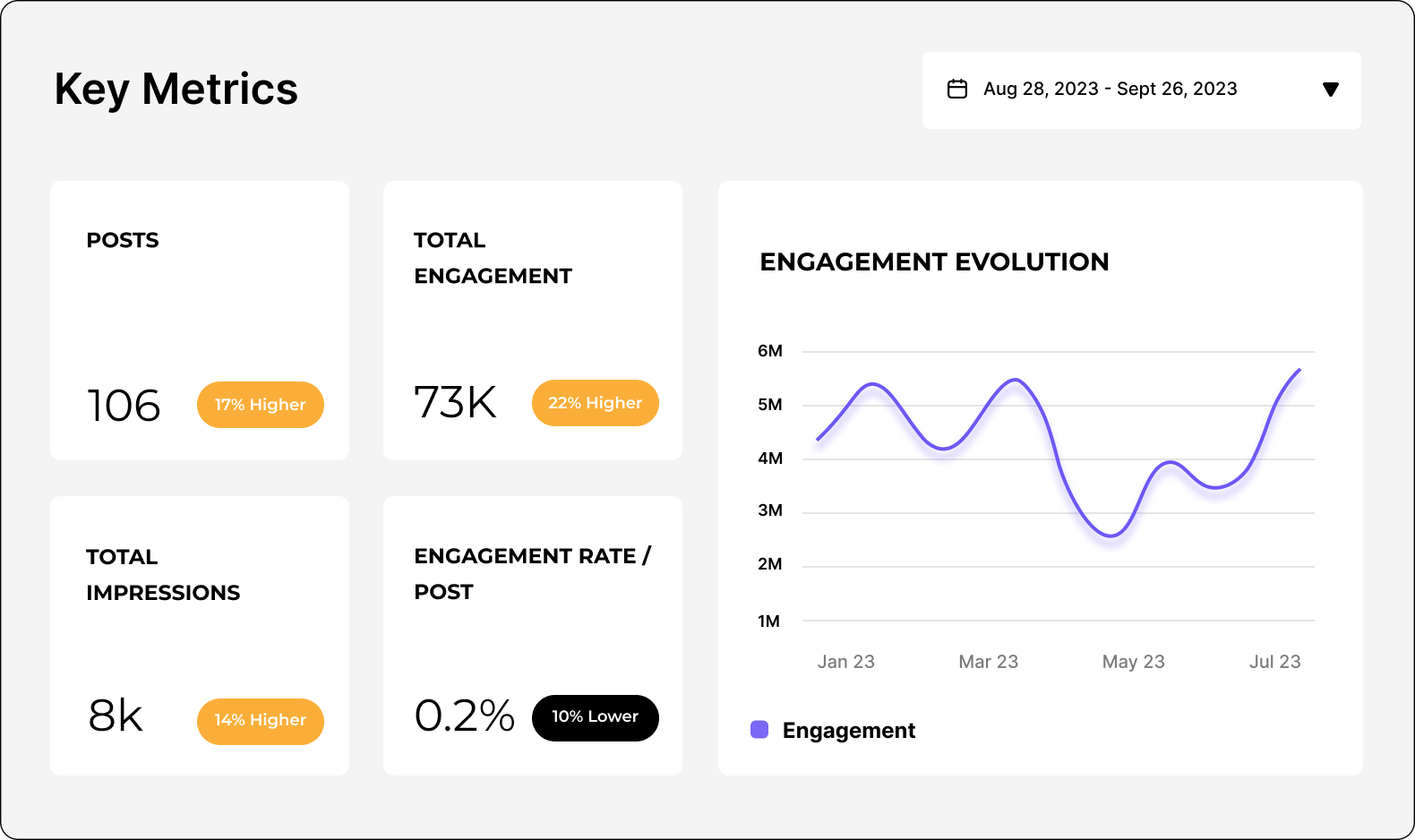
Analyze your YouTube performance
Easily analyze and track your YouTube metrics, conduct audits, and perform YouTube competitor analysis with Socialinsider.
Start a 14-day free trialFAQs about the free YouTube analytics checker
Got a question? We've got answers.
What does this free YouTube analytics tool show?
Can I see analytics for someone else's YouTube channel?
How is the YouTube engagement rate calculated?
Why don't these numbers match YouTube Studio?
What other free YouTube tools can I use?
What does the full Socialinsider platform add?
Ready to improve your social media strategy with real-time insights?
Get strategic insights, analyze the social performance across all channels, compare metrics from different periods and download reports in seconds.