FREE Instagram Analytics
Understand your target audience to better resonate with the people most likely to engage with your brand

HBO
6.4M Followers


The Engagement Rate per Post (by followers) is the sum of likes and comments divided by the number of posts in the last 30 days, then divided by the number of followers. This result is multiplied by 100 to show the percentage.
Average Likes represents the total number of likes divided by the number of posts published in the last 30 days.
Average Comments represents the total number of comments divided by the number of posts published in the last 30 days.
Enter an Instagram handle to instantly see key metrics and analytics for that account.
Top Performing Posts
HBO 

 HBO
HBO  HBO
HBO 
Analysis

Content
Average Posts/ Day: The average number of posts published per day over the last 30 days.

Engagement
Avg Engagement: The average engagement received on a post.

Views
Avg Views: The average number of views received on a post.
*This analysis only takes into consideration data for the last 30 days.
Need to prove Instagram performance with real data? Try a FREE 14-day trial and access Instagram analytics data to benchmark, compare, and report with confidence
Try a FREE 14-day trialFREE Social Media Analytics


How to analyze your Instagram performance with Socialinsider
Socialinsider’s social media analytics allow you to measure and compare social media performance against competitors and industry peers.
Start by creating a trial account
Connect the profiles you manage
Select the time frame you want to analyze
See your best-performing content types and themes
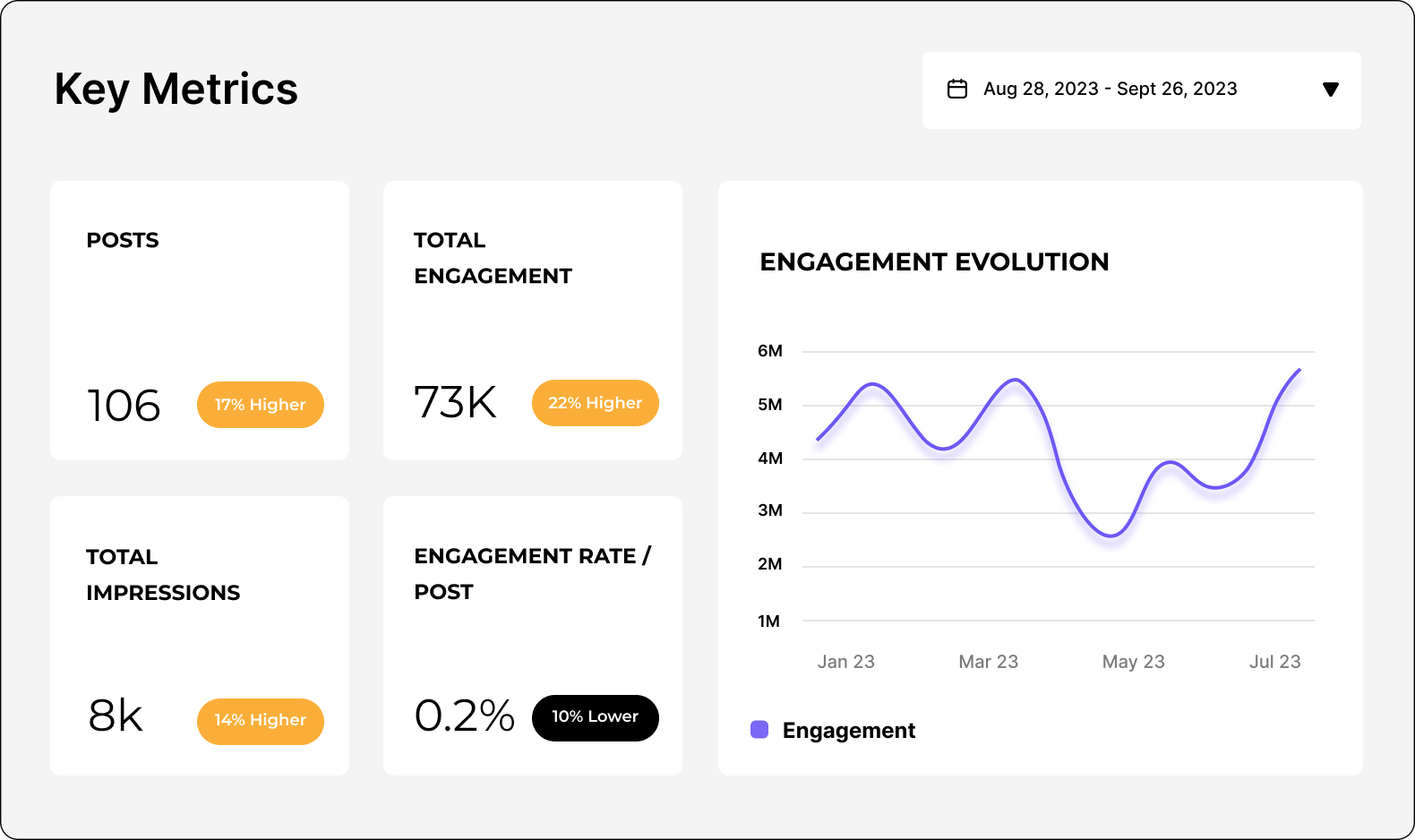
Analyze your Instagram performance
Easily analyze and track your Instagram metrics, conduct audits, and perform Instagram competitor analysis with Socialinsider.
Start a 14-day free trialFAQs about Instagram analytics
Got a question? We've got answers.
How do I accurately calculate my Instagram engagement rate, and which formula should I use?
If you have access to reach data and want to highlight performance among people who actually saw your content, you can instead divide total engagements by the number of posts multiplied by total reach, then multiply by 100. It’s recommended to use the by followers method for straightforward, comparable metrics across profiles, while the by reach calculation provides more precise insights for internal analysis or campaign reviews. Choose the formula that best matches your reporting style and objectives, and let your results guide ongoing strategy and benchmarking.
Why did my Instagram reach or impressions drop, and how do I diagnose what happened?
External factors such as seasonality, trending topics, or increased competition can also contribute to fluctuations. For a thorough diagnosis, compare engagement and reach across similar periods, look for drops in engagement rate, and review reach by content type to pinpoint patterns. By systematically evaluating these areas, you can identify root causes and make informed adjustments to your strategy.
Which Instagram metrics actually correlate with conversions (saves, shares, profile visits, link clicks)?
Monitoring these metrics over time and analyzing their relationship to actual conversion events can help you identify which types of content or strategies drive meaningful actions. By prioritizing and optimizing for these engagement signals, you can increase the likelihood of turning Instagram interactions into real business outcomes.
Ready to improve your social media strategy with real-time insights?
Get strategic insights, analyze the social performance across all channels, compare metrics from different periods and download reports in seconds.