FREE Most Liked TikTok Posts Analyzer
Get a quick snapshot of post performance based on likes.
 TikTok
 Video


Jayne Mansfield was a Hollywood legend. Mariska Hargitay embarks on a ... see more
Jun 3, 2025
2.8M followers
Total likes
610K
TikTok Video

Tag your siblings. #JerrodCarmichael #HBO #StandupComedy
May 25, 2025
2.8M followers
Total likes
146K
TikTok Video

What can't he do? #TheLastOfUs #JoelMiller #PedroPascal #BellaRamsey #... see more
May 19, 2025
2.8M followers
Total likes
60K
*This analysis only takes into consideration data for the last 30 days.
Need to prove TikTok performance with real data? Try a FREE 14-day trial and access TikTok analytics data to benchmark, compare, and report with confidence
Try a FREE 14-day trial


How to identify your most liked TikTok post with Socialinsider
Socialinsider’s social media analytics allow you to measure and compare social media performance against competitors and industry peers.
01
02
03
04
Start by creating a trial account
Connect the profiles you manage
Select the time frame you want to analyze
See your top-performing posts
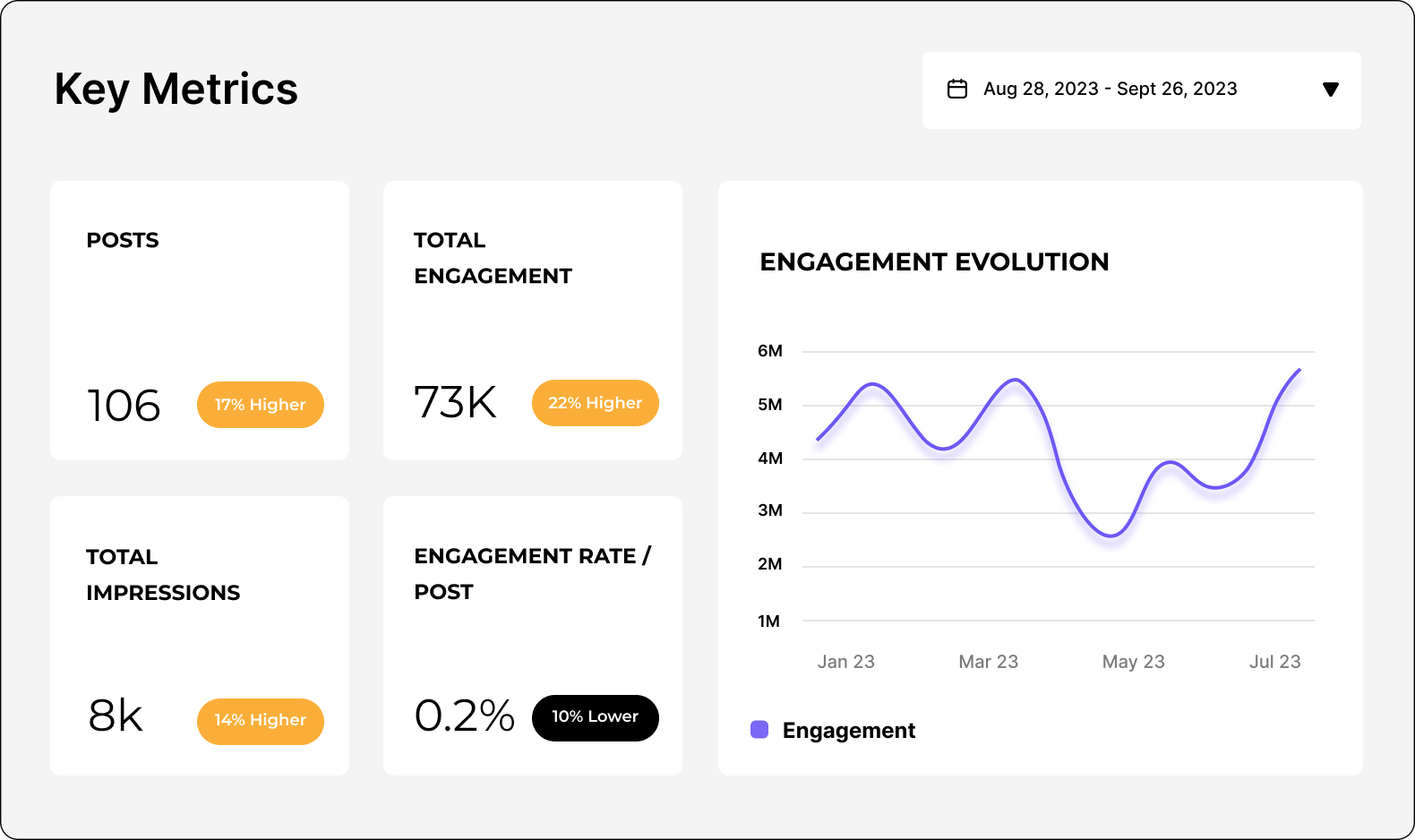
Analyze your TikTok performance
Easily analyze and track your TikTok metrics, conduct audits, and perform TikTok competitor analysis with Socialinsider.
FAQs about most liked TikTok posts
Got a question? We've got answers.
Can I see which TikTok posts got the most engagement lately?
Yes — within Socialinsider’s analytics dashboard you can view performance data for your posts, including engagement metrics like likes and comments. Use the posts report or content overview to identify which posts have driven the highest engagement over your selected time period (e.g., last 7/30/90 days). This lets you quickly spot your best-performing content.
How do I get a summary of the top three TikTok posts for each brand
To summarize the top posts for a specific brand, go to the Posts or Content Overview section inside the Socialinsider dashboard, then sort or filter by engagement (likes/comments) or another key metric. Once sorted, the top items displayed will represent your highest-performing posts — you can then note the top three for that brand manually or include them in a report.
Can I compare the best performing posts across all my channels?
Yes — Socialinsider supports cross-platform analytics, meaning you can connect multiple social profiles and view performance side-by-side. By selecting all your connected channels in the dashboard’s Content Overview or Benchmark section, you can compare which posts performed best on each platform in terms of engagement and other metrics.
How do I filter posts to only see those with the highest likes or engagement?
Inside the posts or content analysis reports, you’ll find filtering and sorting options. Choose to sort posts by likes or engagement rate to bring the highest-performing posts to the top. You can also filter by date range or other criteria to focus on specific time periods or content types before sorting.
Is it possible to export a list of the most liked posts for my reports?
Yes — Socialinsider lets you export reports that include the data you see in the dashboard. When you have the list of posts sorted by likes or engagement, click the Download button in the upper-right corner of the page to export the current view. Exports are available in formats such as PDF, PPT, XLS, or CSV depending on your needs.
Ready to improve your social media strategy with real-time insights?
Get strategic insights, analyze the social performance across all channels, compare metrics from different periods and download reports in seconds.