FREE Head-to-Head TikTok Comparison
Understand your competitors’ social media strategy so you can outperform them


Executive Summary
🏆 Higher Engagement
Disney leads with a higher engagement rate of 9.12%, which is approximately 2.64 percentage points above HBO's 6.48%, showcasing Disney's stronger audience interaction.
💖 More Likes
HBO garners an average of 38K likes per post, slightly surpassing Disney's 37K, indicating a marginal advantage in passive audience engagement.
💬 Comment Leaders.
Disney also outperforms in comments with an average of 19K, compared to HBO's 219.17, highlighting Disney's greater ability to inspire conversations around their content.
Top Performing Posts


Analysis

Avg. Posts/ Day
Measures how frequently accounts post new content on average. Higher posting frequency increases visibility but risks follower fatigue if overdone.

Avg. Engagement
Shows the average engagement received on a post through likes, comments, saves, and shares. Higher numbers indicate more engaging content.

Avg. Views
Shows the average number of views each post receives, indicating how well the content attracts initial viewers.
Total Followers
Represents account's audience size and potential reach. A larger following provides wider distribution but doesn't guarantee engagement.
*This analysis only takes into consideration data for the last 30 days.
Need to prove TikTok performance with real data? Try a FREE 14-day trial and access TikTok analytics data to benchmark, compare, and report with confidence
Compare TikTok PerformanceFREE Social Media Head-to-Head Comparison


How to benchmark your TikTok performance with Socialinsider
Socialinsider’s social media analytics allow you to measure and compare social media performance against competitors and industry peers.
Start by creating a trial account
Connect the profiles you manage and your competitors'
Select the time frame you want to analyze
See how you perform compared to your competitors
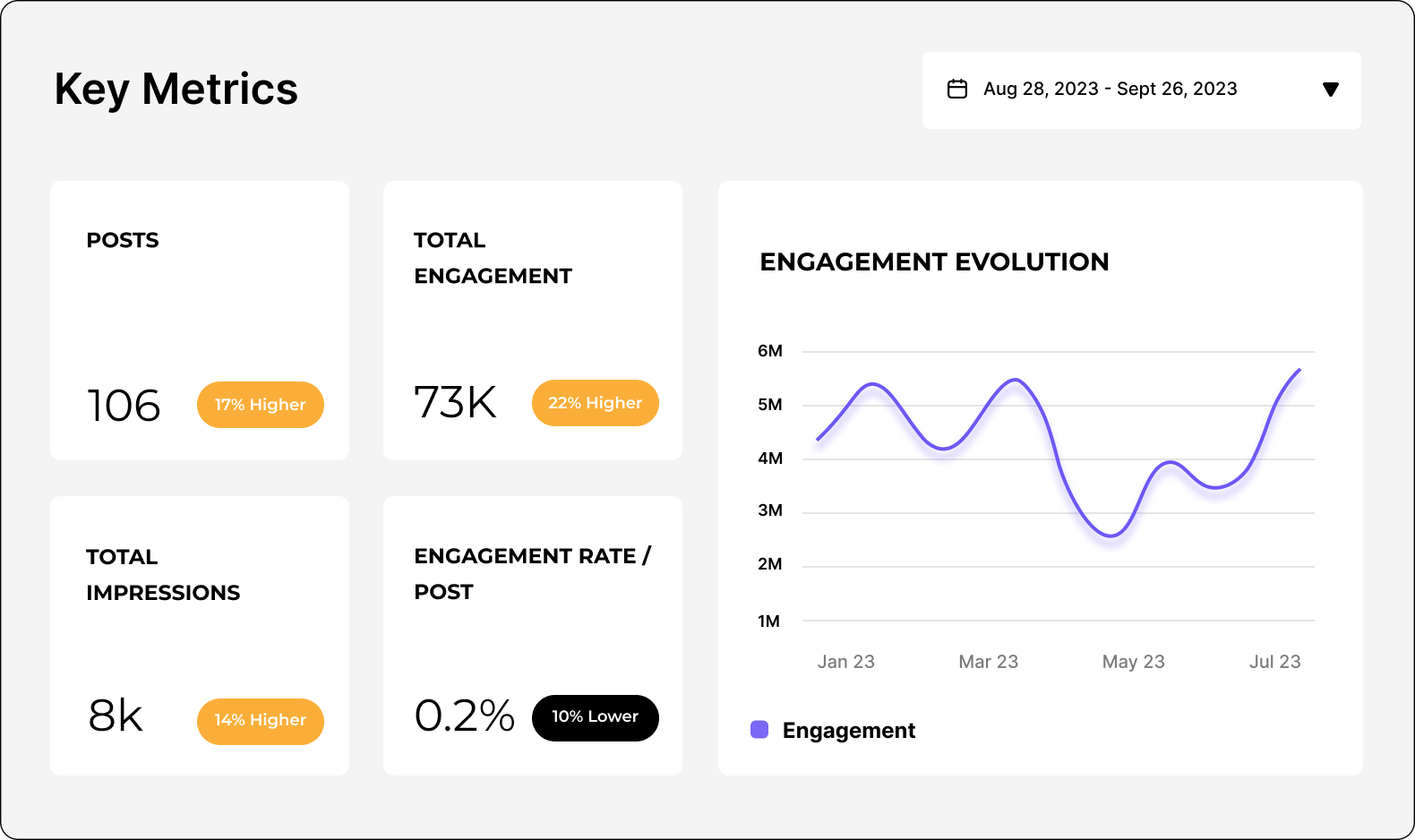
Analyze your TikTok performance
Easily analyze and track your TikTok metrics, conduct audits, and perform TikTok competitor analysis with Socialinsider.
Start a 14-day free trialFAQs about TikTok comparison
Got a question? We've got answers.
What’s the best way to compare viral performance between two TikTok accounts?
Focus on how significantly other videos’ metrics increased following the viral spike. Compare changes such as the average number of views and engagement per video, overall profile reach, and the rate of new followers gained after the viral event. This approach reveals not just the scale of a single viral video but also how effectively each account converts short-term attention into sustained audience growth and enhances performance across its entire content library.
Social media analytics tools like Socialinsider can help automate the process by visualizing these trends and highlighting the relationship between viral moments and overall profile growth. Ultimately, by comparing both the direct success of viral videos and the subsequent uplift in other metrics, you can clearly determine which account leverages virality for broader, longer-term performance improvements.
How can I compare engagement quality (comments, shares, rewatches) between two TikTok accounts?
To really understand engagement quality, evaluate these numbers as rates relative to total views or followers (for example, comments per 1,000 views or shares per 100 followers). This normalization allows you to account for audience size and gives you a clearer picture of how compelling and shareable each account’s content really is.
Compare these normalized engagement metrics side by side to identify which profile sparks more active, meaningful audience participation, not just passive views. Higher rates of comments or shares indicate content that starts conversations or motivates sharing, while more rewatches suggest videos that audiences find especially engaging or valuable. By systematically analyzing and comparing these engagement indicators, you’ll pinpoint which account excels at driving deeper audience connections and content virality, yielding actionable insights for your own TikTok strategy.
Ready to improve your social media strategy with real-time insights?
Get strategic insights, analyze the social performance across all channels, compare metrics from different periods, and download reports in seconds.