무료 인기 TikTok 게시물 분석기
좋아요를 기준으로 게시물 성과를 빠르게 확인하세요.
 TikTok
 Video


Jayne Mansfield was a Hollywood legend. Mariska Hargitay embarks on a ... see more
Jun 3, 2025
2.8M followers
총 좋아요 수
610K
TikTok Video

Tag your siblings. #JerrodCarmichael #HBO #StandupComedy
May 25, 2025
2.8M followers
총 좋아요 수
146K
TikTok Video

What can't he do? #TheLastOfUs #JoelMiller #PedroPascal #BellaRamsey #... see more
May 19, 2025
2.8M followers
총 좋아요 수
60K
*이 분석은 최근 30일간의 데이터만을 반영합니다.
실제 데이터로 TikTok 성과를 증명해야 합니까? 지금 무료 14일 체험을 시작하세요. TikTok 분석 데이터로 벤치마킹하고, 비교하고, 자신 있게 보고서를 작성할 수 있습니다
Try a FREE 14-day trial


Socialinsider로 가장 많은 좋아요를 받은 TikTok 게시물 확인 방법
Socialinsider’s social media analytics allow you to measure and compare social media performance against competitors and industry peers.
01
02
03
04
Start by creating a trial account
Connect the profiles you manage
Select the time frame you want to analyze
성과가 가장 좋은 게시물을 확인하세요
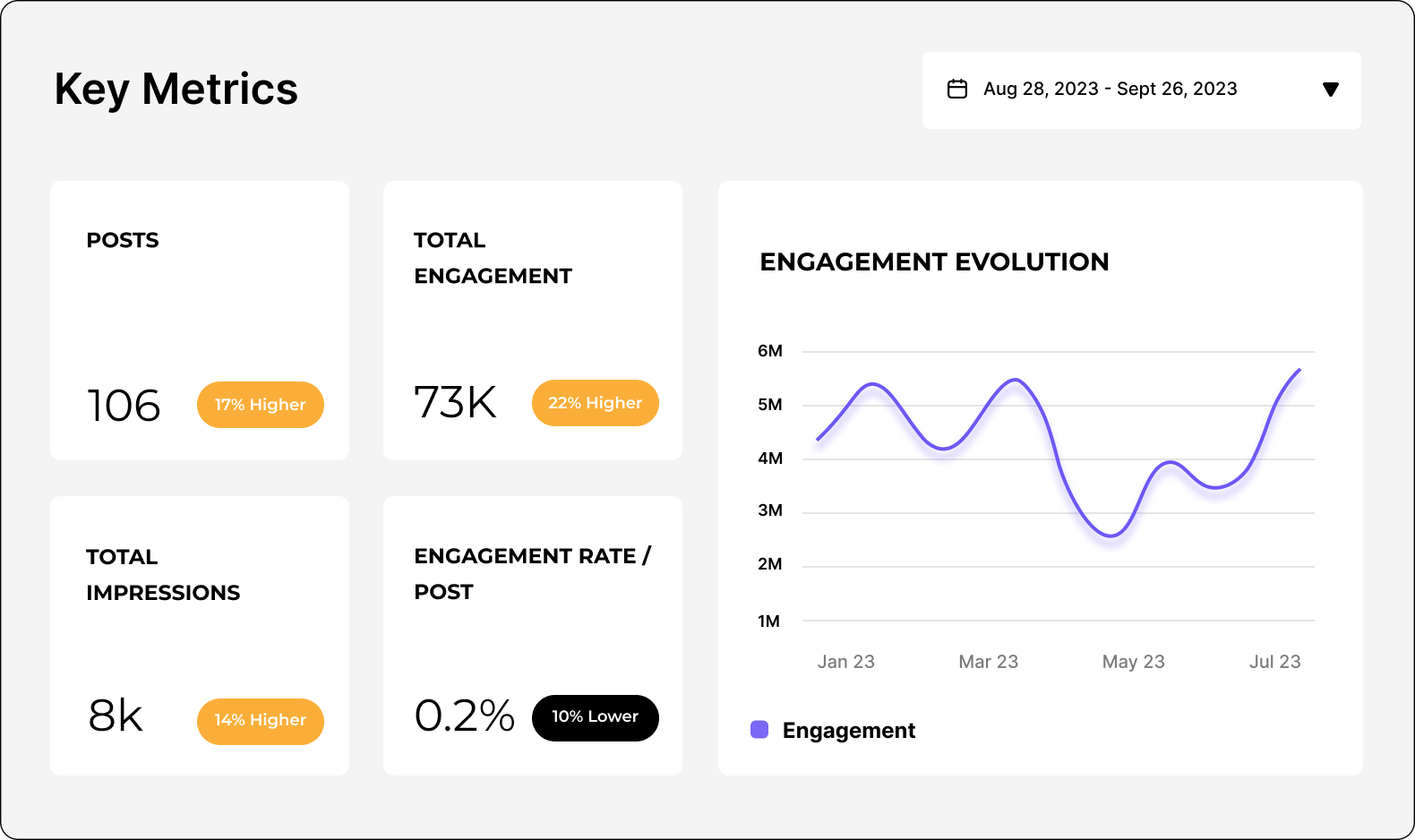
TikTok 성과 분석하기
Easily analyze and track your TikTok metrics, conduct audits, and perform TikTok competitor analysis with Socialinsider.
FAQs about most liked TikTok posts
궁금한 점이 있으신가요? 저희가 답변해드립니다.
Can I see which TikTok posts got the most engagement lately?
Yes — within Socialinsider’s analytics dashboard you can view performance data for your posts, including engagement metrics like likes and comments. Use the posts report or content overview to identify which posts have driven the highest engagement over your selected time period (e.g., last 7/30/90 days). This lets you quickly spot your best-performing content.
How do I get a summary of the top three TikTok posts for each brand
To summarize the top posts for a specific brand, go to the Posts or Content Overview section inside the Socialinsider dashboard, then sort or filter by engagement (likes/comments) or another key metric. Once sorted, the top items displayed will represent your highest-performing posts — you can then note the top three for that brand manually or include them in a report.
모든 채널의 최고 성과 게시물을 비교할 수 있나요?
Yes — Socialinsider supports cross-platform analytics, meaning you can connect multiple social profiles and view performance side-by-side. By selecting all your connected channels in the dashboard’s Content Overview or Benchmark section, you can compare which posts performed best on each platform in terms of engagement and other metrics.
좋아요 또는 인게이지먼트가 가장 높은 게시물만 필터링하려면 어떻게 해야 하나요?
Inside the posts or content analysis reports, you’ll find filtering and sorting options. Choose to sort posts by likes or engagement rate to bring the highest-performing posts to the top. You can also filter by date range or other criteria to focus on specific time periods or content types before sorting.
보고서용으로 좋아요가 가장 많은 게시물 목록을 내보낼 수 있습니까?
네, Socialinsider에서는 대시보드에서 확인한 데이터를 포함한 보고서를 내보낼 수 있습니다. 좋아요나 인게이지먼트 기준으로 정렬된 게시물 목록이 있을 때 우측 상단의 다운로드 버튼을 클릭하면 현재 화면을 내보낼 수 있습니다. 내보내기는 PDF, PPT, XLS, CSV 등 다양한 형식으로 가능합니다.
Ready to improve your social media strategy with real-time insights?
전략적 인사이트를 얻으세요. 모든 채널의 소셜 성과를 분석할 수 있습니다. 다양한 기간의 지표를 비교하고, 몇 초 만에 보고서를 다운로드하세요.