Socialinsider プロダクトアップデート - 2月
日々をより快適にするちょっとした工夫
2月には、仕事のスピードが上がったことに気付くまで見逃しがちな改善がありました。
今月は、レポート作成のストレスを減らすことに注力しました。メトリクスのコンテキストがより明確になり、信頼できる並び替えも可能です。各プラットフォームで名称が変わる際のダッシュボード内の「翻訳」混乱も減少しました。
1. コンテキスト対応のハウツーガイド(必要な場所に表示されます)
ダッシュボードからコンテキスト対応のハウツーガイドに直接アクセスできるようになりました。
- Instagram視聴回数(変更点、解釈方法、レポート方法)
- Facebook視聴回数(旧インプレッションとの違いについて)
- クエリビルダー(コンテンツピラーのルールに関する実践ガイド)
Instagramの視聴回数セクション👇の例をご紹介します。
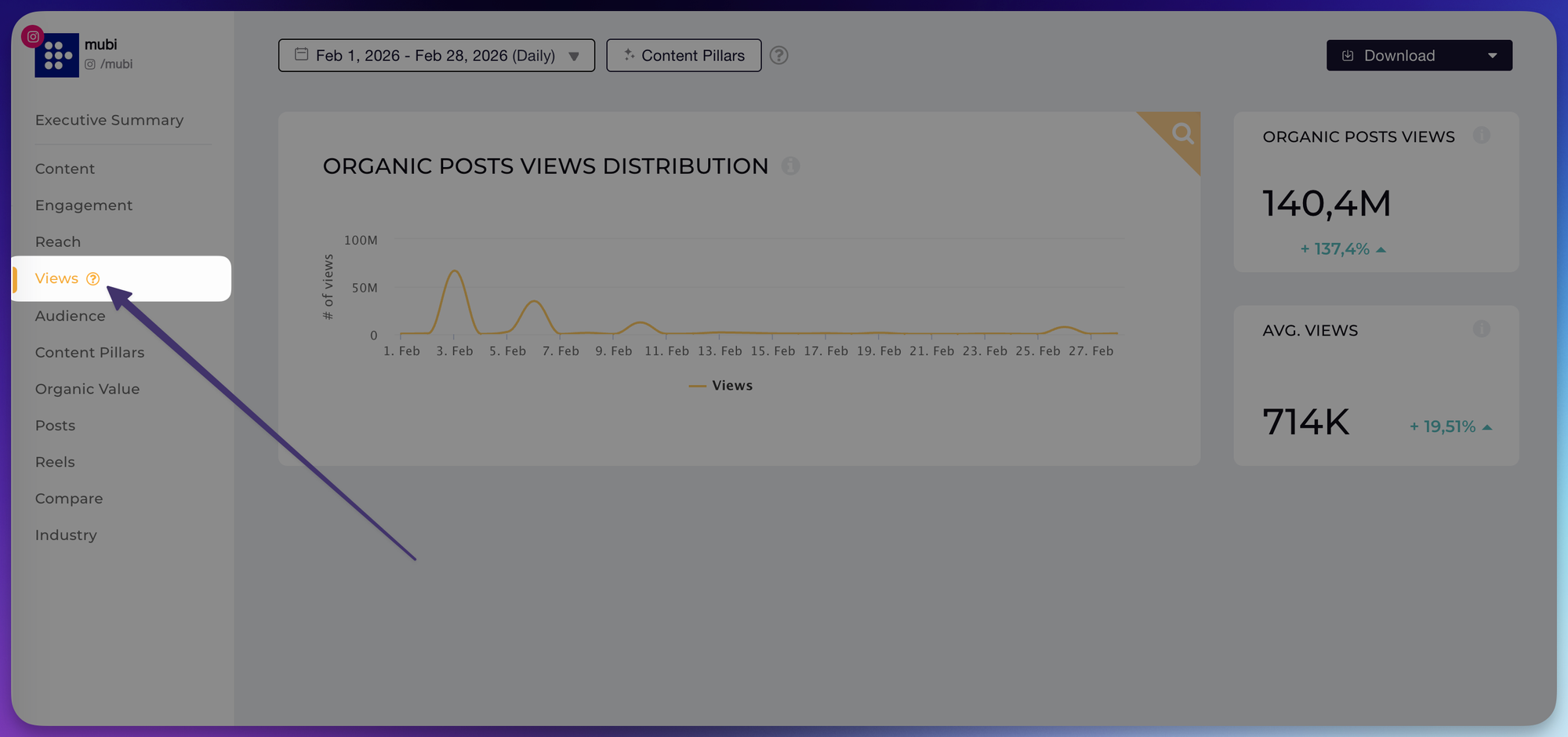
アイコンをクリックするとガイドが開きます👇
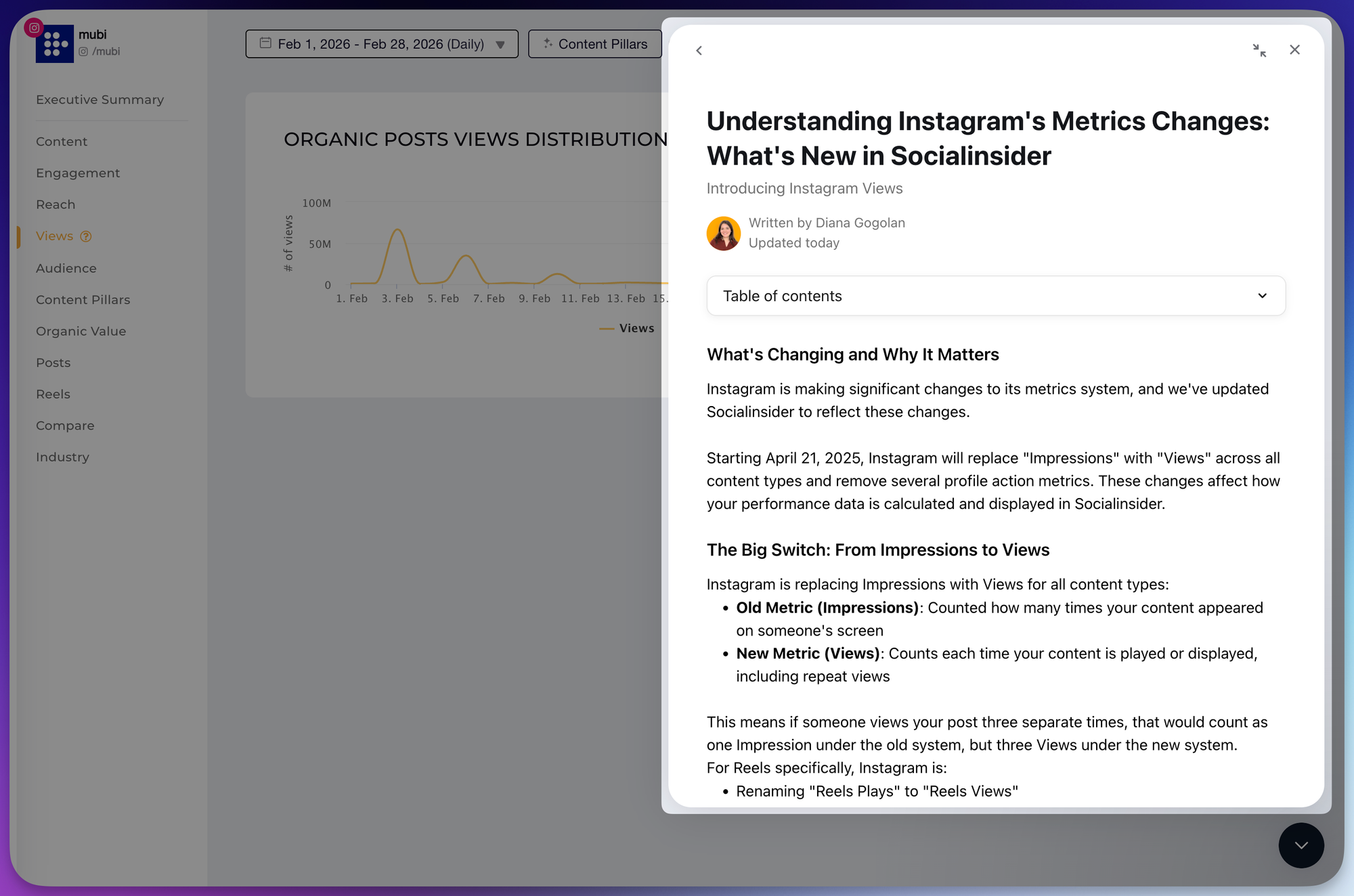
ドキュメントを検索するために作業を中断したり、メトリクス名の変更について迷ったりする必要はありません。ガイダンスが、すでに使用しているグラフや表の横に表示されるようになりました。
レポートを作成中に、信頼できる説明がすぐに必要になる場面を想定して設計されています。
2. ソートオプション(視聴回数+推定視聴回数)
Instagramの投稿を視聴回数と推定視聴回数で並べ替え、正確な結果を取得できるようになりました。
→ 改善点:
- テーブルビュー、エクスポート、投稿単位の数値でソートが統一されました
- 動画が多い時期でも成果の高いコンテンツを簡単に見つけられます
「トップ投稿」リストを見て「なんだか違和感がある…」と感じたことがある方へ。
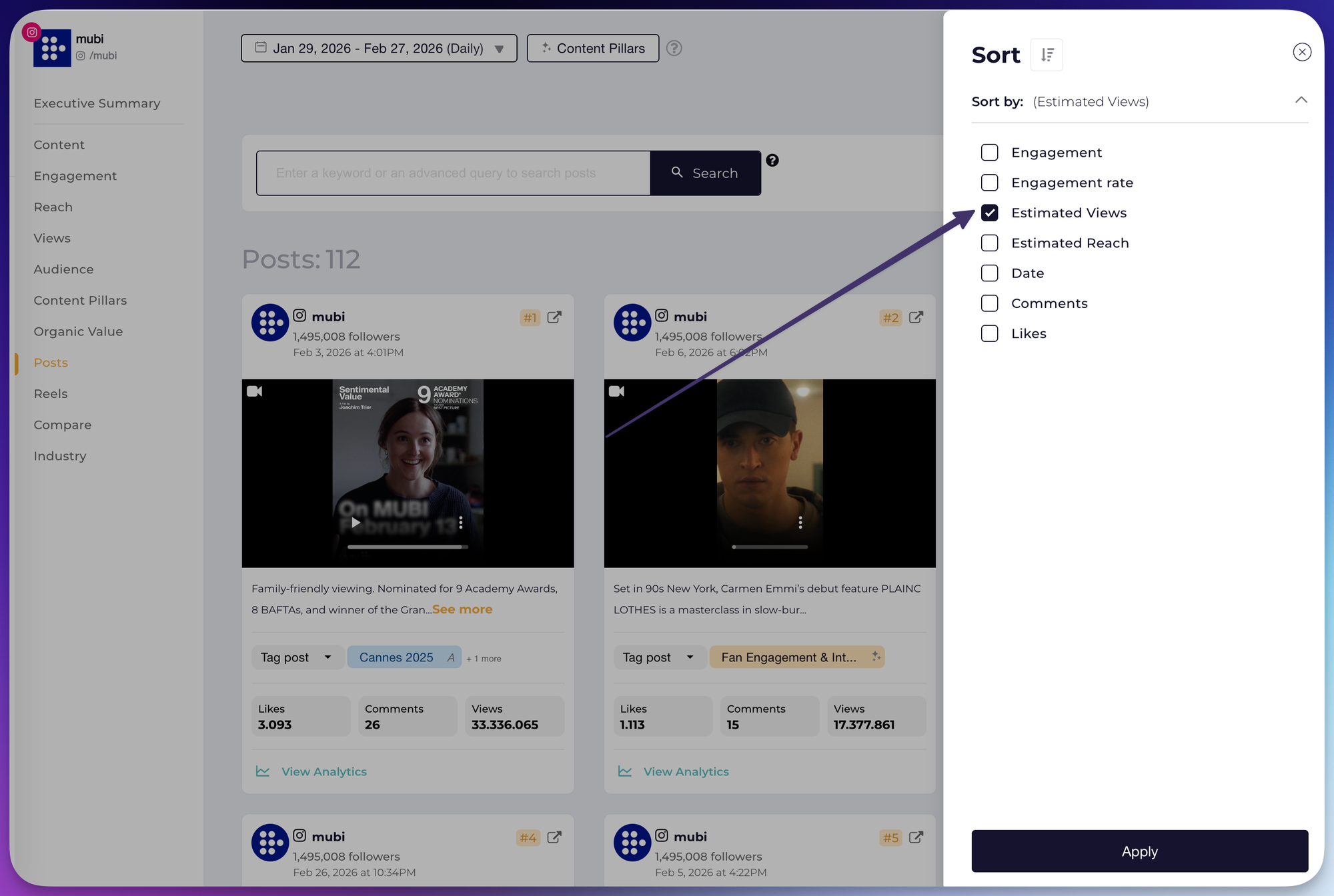
つまり、テーブル・エクスポート・投稿単位の数値でソート動作が一貫しています。安心してシェアできます。
- おすすめ: 動画が多い時期・リールのレポート
- 効果: 分析がより迅速に。手動チェックの手間が大幅に減ります。
3. Looker Studioの改善
1. レポート作成をよりスムーズで一貫したものにするため、Looker Studioの設定をいくつか微調整しました。Facebookを含め、更新された視聴回数の表記にも対応しています。
2. すぐに説明する必要があるダッシュボードを作成する際、小さな変更が大きな違いを生みます。
- 3. 成果: 命名の不一致が減りました
- メリット:ステークホルダーとの会話がスムーズになります。

Diana Gogolan
Socialinsider のプロダクトマネージャー。アイデアから成功した機能まで、設計・構築・テスト・リリースを担当しています。多様な形でストーリーを伝えることに情熱を持っています。

マネージャーに聞かれる前に、競合他社の動きを把握しましょう。
手作業なく、すぐにソーシャルメディアのベンチマークとレポートを取得できます。